
2026 Key Clarification
Google-Extended is not a crawler. It never visits your site. It is an opt-out control token: regular Googlebot does the crawling, and a robots.txt rule for Google-Extended simply tells Google not to use that crawled content for Gemini training and grounding. The same is true of Applebot-Extended for Apple.
Also important: Google's user-triggered fetchers (Google-Agent, Gemini Notebook, formerly Google-NotebookLM, Google-Read-Aloud and others) officially ignore robots.txt because they act on direct user requests. Our checker now labels these correctly instead of pretending robots.txt controls them.
Google operates many different web crawlers, and understanding the difference between them is very important for your website strategy. The two that website owners confuse the most are Googlebot and Google-Extended. They have similar names, but they do completely different things. Getting them mixed up can have serious consequences for your traffic.
Blocking Googlebot by accident removes your website from Google Search. Blocking Google-Extended only affects your visibility in Google's AI features. These are two very different outcomes, and you need to know which one to target. This guide explains both crawlers in detail and helps you make the right decision for your website.
This guide is for website owners, SEO professionals, and anyone who manages a website's robots.txt file. By the end, you will know exactly what each Google crawler does, how they interact with your website, and which ones you should block or allow based on your goals.
What is Googlebot?
Googlebot is Google's main search engine crawler. It has been around since the early days of the internet, and it is the most well-known web crawler in the world. Googlebot's job is to visit websites, read their content, and send that information back to Google so it can be added to the search index.
When Googlebot visits your website, the following things happen:
- It reads your page content (text, images, links, structured data)
- It follows links to discover other pages on your site
- It renders your pages using JavaScript (for modern websites)
- It sends the data to Google's indexing system
- Google uses the data to rank your pages in search results
Googlebot uses the following user-agent strings:
Critical warning: You should almost never block Googlebot. If you add User-agent: Googlebot with Disallow: / to your robots.txt, your website will be removed from Google Search results. This means no one will find your site through Google. This is the single biggest mistake you can make with robots.txt, and it is surprisingly common.
We have seen many websites where someone meant to block Google-Extended (the AI crawler) but accidentally blocked Googlebot (the search crawler) instead. Always double-check which crawler you are targeting. Use our Robots.txt Validator to verify your rules before uploading them.
What is Google-Extended?
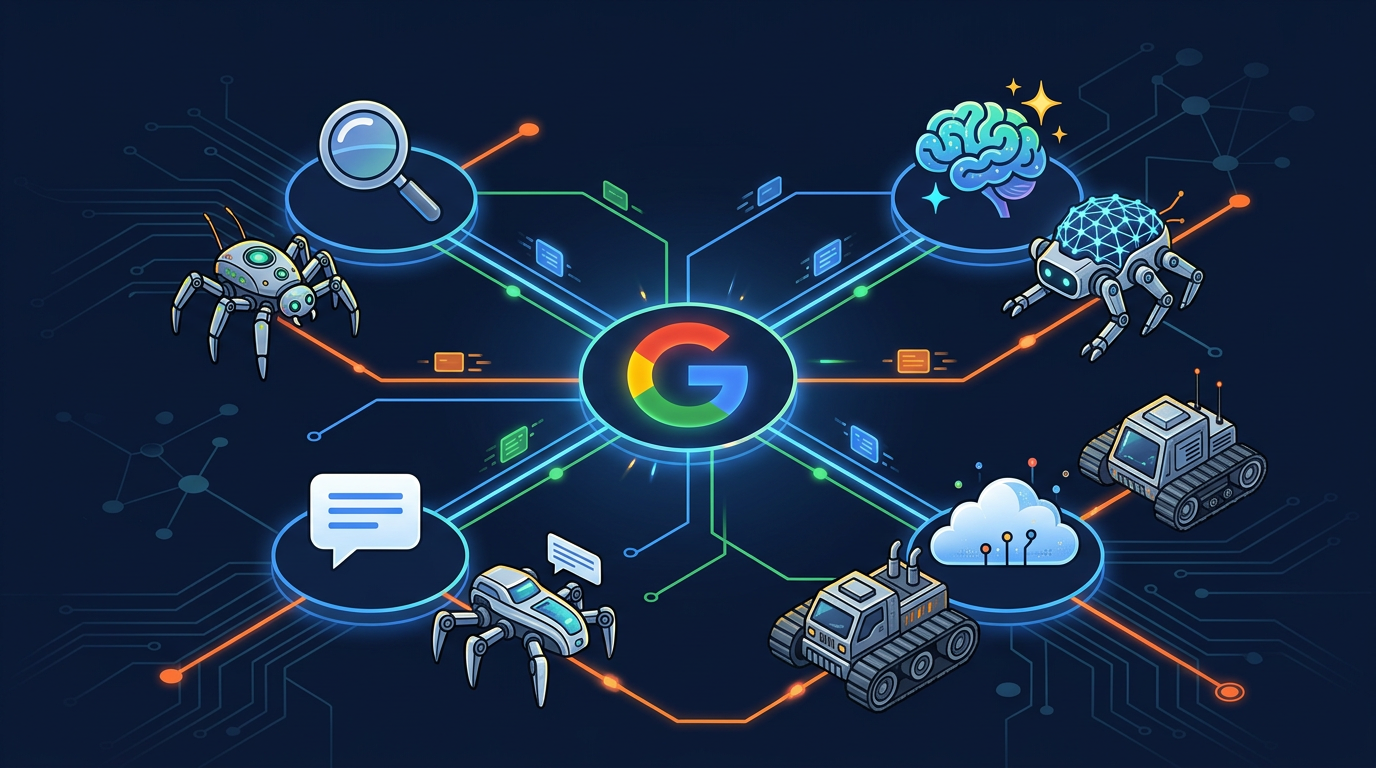
Google-Extended is Google's AI training crawler. Google introduced it in September 2023 to give website owners a way to control whether their content is used for AI purposes. While Googlebot collects content for search indexing, Google-Extended collects content for training Google's AI products, specifically Gemini and Google AI Overviews.
Here is what Google-Extended does:
- Collects publicly available content from your website
- Sends the content to Google for use in AI model training
- Your content may appear in Gemini responses and AI Overviews
- Follows robots.txt rules (you can opt out by blocking it)
- Does NOT affect your Google Search ranking in any way
In robots.txt, you target Google-Extended like this:
The most important thing to understand is that Google-Extended and Googlebot are completely separate systems. They share the same company (Google), but they do different things. You can block one without affecting the other. Many websites block Google-Extended while keeping Googlebot allowed, which lets them stay in Google Search results while opting out of AI training.
Google-Extended is especially important because of its connection to Google AI Overviews (the AI-generated answer box at the top of some Google search results). If you block Google-Extended, your content will not be used in these AI summaries. This matters because AI Overviews are appearing on more and more Google search result pages in 2026.
Side-by-Side Comparison
Let us put Googlebot and Google-Extended side by side so you can clearly see the differences:
| Feature | Googlebot | Google-Extended |
|---|---|---|
| Primary Purpose | Search indexing | AI model training |
| Products Affected | Google Search results | Gemini, AI Overviews |
| User-Agent Name | Googlebot | Google-Extended |
| Introduced | 1990s | September 2023 |
| Follows robots.txt | Yes | Yes |
| Affects Search Ranking | Yes (blocking removes you from Google) | No (safe to block) |
| Affects AI Features | No | Yes (blocking removes you from AI Overviews) |
| Should You Block? | Almost never | Depends on your AI strategy |
As you can see, these two crawlers have very different impacts. The key takeaway is: never block Googlebot unless you want to disappear from Google. Blocking Google-Extended, on the other hand, is a perfectly normal choice that many websites make to protect their content from AI training.
You can check the status of both crawlers on your website using AI Crawler Check. The tool shows you whether Googlebot and Google-Extended are blocked, allowed, or partially restricted. It also shows all other 196+ bots at the same time.
Google AI Overviews: Why Google-Extended Matters More Than Ever
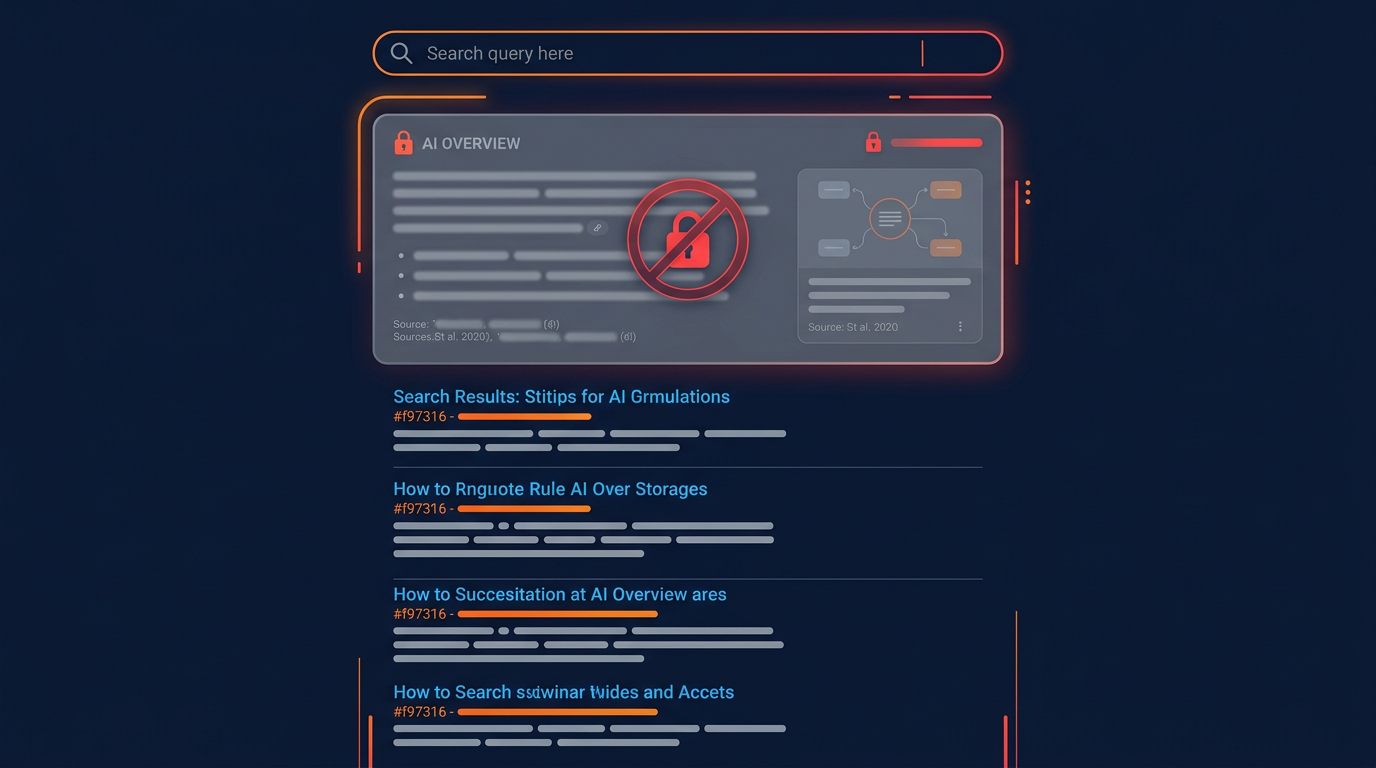
Google AI Overviews (previously called SGE, which stood for Search Generative Experience) is Google's AI-powered answer feature. When you search for something on Google, you may see an AI-generated summary at the very top of the results page. This summary is created by Google's AI using content from multiple websites.
In 2026, Google AI Overviews appear on a growing number of search queries. This makes the decision about Google-Extended more important than ever. Here is why:
If you allow Google-Extended: Your content can be used in AI Overviews. When Google creates an AI summary about a topic you cover, your website may be cited as a source. This can drive traffic to your site because Google often includes links to the source pages.
If you block Google-Extended: Your content will not appear in AI Overviews. Google will still show your pages in regular search results (because Googlebot is separate), but you will miss the AI summary feature. This means you could miss traffic from users who click on source links in the AI summary.
The same applies to Gemini, Google's AI assistant. Gemini uses content collected by Google-Extended to answer user questions. If you block Google-Extended, Gemini will be less likely to mention or recommend your website.
The decision about Google-Extended is similar to the decision about GPTBot (OpenAI's crawler). Both are training crawlers from major AI companies. The difference is that Google-Extended is connected to Google's search ecosystem, which makes it unique. Blocking GPTBot only affects ChatGPT. Blocking Google-Extended affects both Gemini and Google AI Overviews, which appear right inside Google Search.
All Google Crawlers You Need to Know
Google has more than just Googlebot and Google-Extended. Every Google crawler we track is listed below, and they are spread across several categories in our bot directory: Googlebot counts as a search engine, Google-Extended as an AI bot, and the rest sit under Google bots. The rows in purple are the AI and agentic crawlers, which behave differently from the indexing crawlers above them:
| Crawler | User-Agent | Purpose | Safe to Block? |
|---|---|---|---|
| Googlebot | Googlebot | Google Search indexing | No (removes from Google) |
| Googlebot-Image | Googlebot-Image | Google Image Search | No (removes images from Google) |
| Googlebot-Video | Googlebot-Video | Google Video Search | Depends |
| Googlebot-News | Googlebot-News | Google News indexing | Only if not a news site |
| Google-Extended | Google-Extended | AI training (Gemini, AI Overviews) | Yes (no search impact) |
| Google-InspectionTool | Google-InspectionTool | Search Console testing | No |
| AdsBot-Google | AdsBot-Google | Google Ads quality check | Only if you do not run ads |
| GoogleOther | GoogleOther | Internal research and product development crawls | Yes (no search impact) |
| GoogleOther-Image | GoogleOther-Image | Image fetching for non-search Google products | Yes |
| GoogleOther-Video | GoogleOther-Video | Video fetching for non-search Google products | Yes |
| Googlebot-Discovery | Googlebot-Discovery | URL discovery ahead of indexing | No |
| Storebot-Google | Storebot-Google | Shopping and product page crawling | Only if you sell nothing online |
| Google-Site-Verification | Google-Site-Verification | Confirms you own the property in Search Console | No (breaks verification) |
| FeedFetcher-Google | FeedFetcher-Google | Pulls RSS and Atom feeds for Google products | Only if you publish no feeds |
| Google-Read-Aloud | Google-Read-Aloud | Reads pages aloud on request | Depends on accessibility needs |
| Google-NotebookLM | Google-NotebookLM | Fetches sources a NotebookLM user added | Yes |
| Google-CloudVertexBot | Google-CloudVertexBot | Fetches pages a Vertex AI customer asked for | Yes |
| Google-Gemini-CLI | Google-Gemini-CLI | Live fetch triggered by a Gemini CLI user | Yes |
| GoogleAgent-Mariner | GoogleAgent-Mariner | Agentic browsing on a user's behalf | Yes |
| GoogleAgent-URLContext | GoogleAgent-URLContext | Retrieves a URL a user pasted into a Gemini prompt | Yes |
| Google-Agent | Google-Agent | General agentic fetch for Google AI products | Yes |
| Google-Firebase | Google-Firebase | Firebase AI feature fetching | Yes |
| GoogleProducer | GoogleProducer | Media production and content pipelines | Yes |
Reading the Googlebot user agent string
The middle column above is the user agent token: the name each crawler announces itself with, and the exact string robots.txt matches on. A full Googlebot user agent string in your server logs looks longer than the token, because it carries browser and version detail as well:
Mozilla/5.0 (compatible; Googlebot/2.1; +http://www.google.com/bot.html)Two things matter about this. First, robots.txt matches the token (Googlebot), not the whole string, and the match is case-insensitive. Second, the user agent is self-reported, so anyone can claim to be Googlebot. Google publishes its IP ranges so you can verify a real visit with a reverse DNS lookup. Treat a user agent as a claim, not as proof.
What a Googlebot disallow actually does
A Disallow under a Googlebot group stops the crawl, and that is the part people underestimate. It does not simply hide a page from the index; it prevents Google reading the page at all, which means any canonical tag, redirect or noindex directive on that page is never seen either. If your goal is to keep a page out of search results, noindex on an allowed page is the correct tool. Disallow is the tool for saving crawl budget on pages you do not want fetched.
# Stops the crawl. Google cannot read the page, so it cannot
# read a noindex tag on it either.
User-agent: Googlebot
Disallow: /internal-search/

# Blocks AI training while leaving Google Search untouched.
User-agent: Google-Extended
Disallow: /
Note the pattern in the table above: almost every crawler with an AI or agentic purpose is safe to block without touching your search ranking, while the indexing and verification crawlers are not. That is the whole practical difference between Google-Extended and Googlebot, applied across the rest of Google's fleet.
As you can see, Google-Extended is the only Google crawler you can safely block without affecting your regular Google Search presence. All other Google crawlers are connected to search features that you probably want to keep.
For full details on every Google crawler, visit our Google bots directory. Each bot has its own page with user-agent details, blocking instructions for robots.txt, Nginx, Apache, and meta tags.
Choosing Your Google Crawler Strategy
Now that you understand the difference between Googlebot and Google-Extended, let us look at the three main strategies you can choose from:
Strategy 1: Allow Everything (Maximum AI Visibility)
Allow both Googlebot and Google-Extended. Your content appears in Google Search AND in Google AI Overviews and Gemini. This gives you the most traffic from Google overall.
Best for: Businesses that want maximum Google visibility across all products (search + AI). E-commerce stores, SaaS companies, blogs that benefit from AI mentions.
Strategy 2: Allow Search, Block AI Training (Selective)
Allow Googlebot (keep your search ranking) but block Google-Extended (opt out of AI training). Your site stays in Google Search but your content is not used for Gemini or AI Overviews.
Best for: Publishers, news websites, and content creators who want to protect their original content from AI training while keeping Google Search traffic.
Strategy 3: Partial AI Access (Advanced)
Allow Google-Extended on some pages but block it on others. For example, let AI use your blog content but keep your premium or paid content private.
Best for: Websites with both free and paid content. Online course platforms, membership sites, news sites with premium articles.
For most websites, Strategy 1 (allow everything) or Strategy 2 (selective) works best. The right choice depends on how much you value AI search traffic versus how much you want to protect your content from AI training. If you are not sure, start with Strategy 1 and monitor your AI traffic. You can always switch to Strategy 2 later if you change your mind.
How to Set Up Your Google Crawler Rules
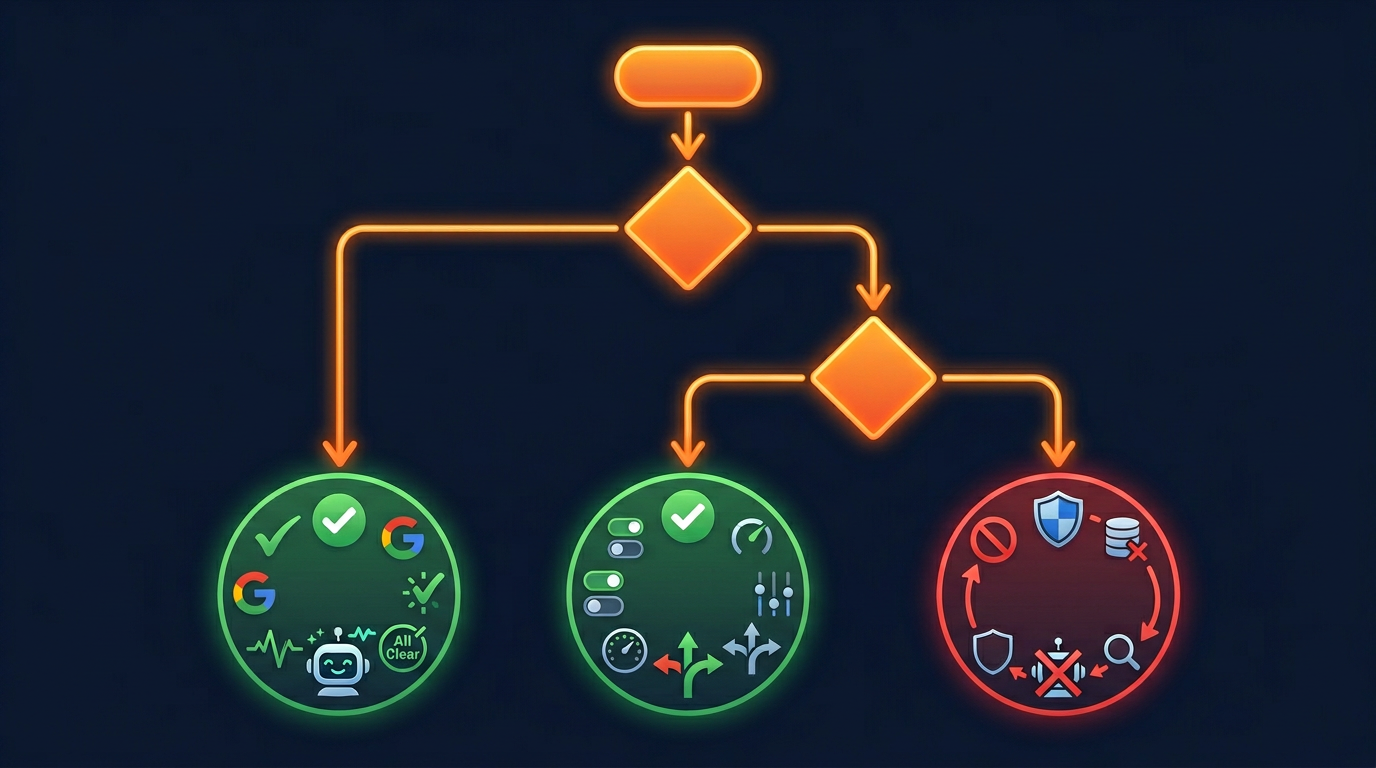
Setting up the right Google crawler rules in your robots.txt is easy. Follow these steps:
Check Your Current Setup
Go to AI Crawler Check and enter your URL. Look at the results for both Googlebot and Google-Extended. Note whether each one is blocked, allowed, or partially restricted.
Choose Your Strategy
Pick one of the three strategies above (allow all, selective, or partial). For most websites, we recommend allowing Google-Extended for maximum AI visibility.
Update Your robots.txt
Use our Robots.txt Generator to create the correct rules, or add the code manually. Make sure you are using the right user-agent name: Google-Extended (with the hyphen and capital letters).
Verify Your Changes
Use the robots checker to check for errors. Make absolutely sure you did not accidentally block Googlebot instead of Google-Extended. This is the most important step.
Consider Other AI Crawlers
Google-Extended is just one AI crawler. You should also make decisions about GPTBot (OpenAI), ClaudeBot (Anthropic), PerplexityBot, and others. Read our complete guide to blocking AI crawlers for the full picture.
Common Mistakes to Avoid
Here are the most common mistakes website owners make when dealing with Google crawlers:
Blocking Googlebot When You Mean Google-Extended
This is the number one mistake. If you type User-agent: Googlebot instead of User-agent: Google-Extended, you will remove your entire website from Google Search. Always double-check the user-agent name. Use the Validator to catch this before it causes damage.
Thinking Google-Extended Affects Search Rankings
Some people worry that blocking Google-Extended will hurt their Google ranking. It will not. Google has clearly stated that Google-Extended is separate from the search ranking system. You can block it without any effect on your position in Google Search results.
Forgetting About Other AI Crawlers
Google-Extended is not the only AI crawler. If you block it but leave GPTBot, ClaudeBot, and other AI bots allowed, your content is still being used for AI training by other companies. Make decisions about all AI crawlers, not just Google's. Check your status for all 196+ bots at AI Crawler Check.
Not Considering AI Overviews Traffic
Before blocking Google-Extended, think about whether your content appears in Google AI Overviews. If it does, blocking Google-Extended will remove you from these summaries. For some websites, this traffic is significant. Check Google Search Console to see if you are getting impressions from AI Overviews before making a decision.
Impact on Your AI Visibility Score
Google-Extended is one of the Tier 1 AI bots that affect your AI Visibility Score. Allowing Google-Extended contributes to the Bot Access portion of your score (which is worth 70 points total).
Here is how your decision about Google-Extended affects your AI Visibility Score:
Google-Extended allowed (full contribution to Bot Access score)
Google-Extended partially allowed (75% credit for partial access)
Google-Extended blocked (no contribution to Bot Access score)
Remember that Google-Extended is just one of five Tier 1 bots. The others are GPTBot, ClaudeBot, PerplexityBot, and ChatGPT-User. To get the highest possible AI Visibility Score, you need to allow all five. But even if you block Google-Extended, you can still have a good score by allowing the other four.
Also, do not forget about the AI Infrastructure portion of the score. Adding an llms.txt file (20 points) and an llms-full.txt file (15 points) can make a big difference regardless of your Google-Extended decision.
Google-Extended in the Broader AI Crawler Landscape
Google-Extended is part of a much bigger picture. As of 2026, we track 71 AI crawlers on the web. Each major AI company has its own crawlers, and they all work differently. Here is how Google-Extended fits into the overall landscape:
When you make decisions about Google-Extended, you should also think about the other major AI training crawlers. GPTBot from OpenAI collects data for ChatGPT. ClaudeBot from Anthropic collects data for Claude. PerplexityBot collects data for Perplexity. Your strategy should be consistent across all of these bots, or at least consider each one individually.
Many website owners choose to treat all AI training crawlers the same way: either allow all of them for maximum visibility, or block all of them for maximum content protection. But you can also make different decisions for different companies. For example, you might allow Google-Extended (because you value AI Overviews visibility) while blocking GPTBot (because you do not want your content in ChatGPT training data).
The key is to have a clear strategy that matches your business goals. Our robots.txt best practices guide covers strategies for all types of websites. And our AI crawler blocking guide shows you exactly how to implement your chosen strategy.
Beyond robots.txt, you should also consider creating an llms.txt file. This file tells AI systems what your website is about and which pages are most important. It works together with robots.txt to give you the best possible AI visibility. Adding llms.txt can boost your AI Visibility Score by up to 15 points.
The world of AI crawlers is changing fast. New bots appear every few months, and existing bots add new features. We recommend checking your AI crawler status at least once a quarter using AI Crawler Check. This way, you can stay on top of changes and make sure your strategy is still working.
Summary
Understanding the difference between Googlebot and Google-Extended is essential for every website owner in 2026. Making the wrong choice can either cost you Google Search traffic (if you block Googlebot) or cost you AI visibility (if you block Google-Extended without thinking it through). Here are the key points:
Googlebot is for search indexing. Never block it unless you want to leave Google Search.
Google-Extended is for AI training (Gemini and AI Overviews). Safe to block if you prefer.
Blocking Google-Extended does NOT affect your Google Search ranking.
Blocking Google-Extended DOES remove you from AI Overviews and Gemini.
Most businesses benefit from allowing Google-Extended for more AI visibility.
Content publishers may prefer to block Google-Extended to protect their content.
Always verify your robots.txt changes to avoid accidentally blocking Googlebot.
Check Your Google Crawler Access
See if Googlebot and Google-Extended can reach your site. Free scan of 196+ bots.