In this guide you will learn how to opt out of AI training across all major bots. We will keep it practical, with clear steps, visual breakdowns, and specific actions you can take today. The first step in any AI visibility project is to run a website AI access check on your website so you know exactly where you stand against the 265 bots we track across 8 categories.
Key Takeaways
- How to Opt Out of AI Training (Every Major Bot) is a practical, repeatable process, not a one-time fix.
- Most AI visibility problems trace back to access, not content.
- You can verify every change with the crawlability checker for AI search and the robots checker.
- Document your approach so the whole team applies it consistently.
Turning a Policy Decision Into a Live Configuration
Write the policy in plain language first
Agree in ordinary sentences what a site opting out of AI training wants each kind of bot to do before anyone touches a directive.
Map each intention to a specific user agent
Turn every sentence of the policy for a site opting out of AI training into a named token, using the exact user-agent token each vendor documents for opting out as the reference list.
Record the current state before changing it
Run an AI crawler test and save the result. Without a baseline you cannot demonstrate the change worked, and you cannot roll back with confidence.
Generate the file rather than editing it
For How to Opt Out of AI Training, start with robots.txt creator.
Validate, publish, then set an owner and a date
Validate the final rules for a site opting out of AI training, publish them, and name one person who reviews the exact user-agent token each vendor documents for opting out on a fixed date.
The Real Shape of the AI Training Opt-Out
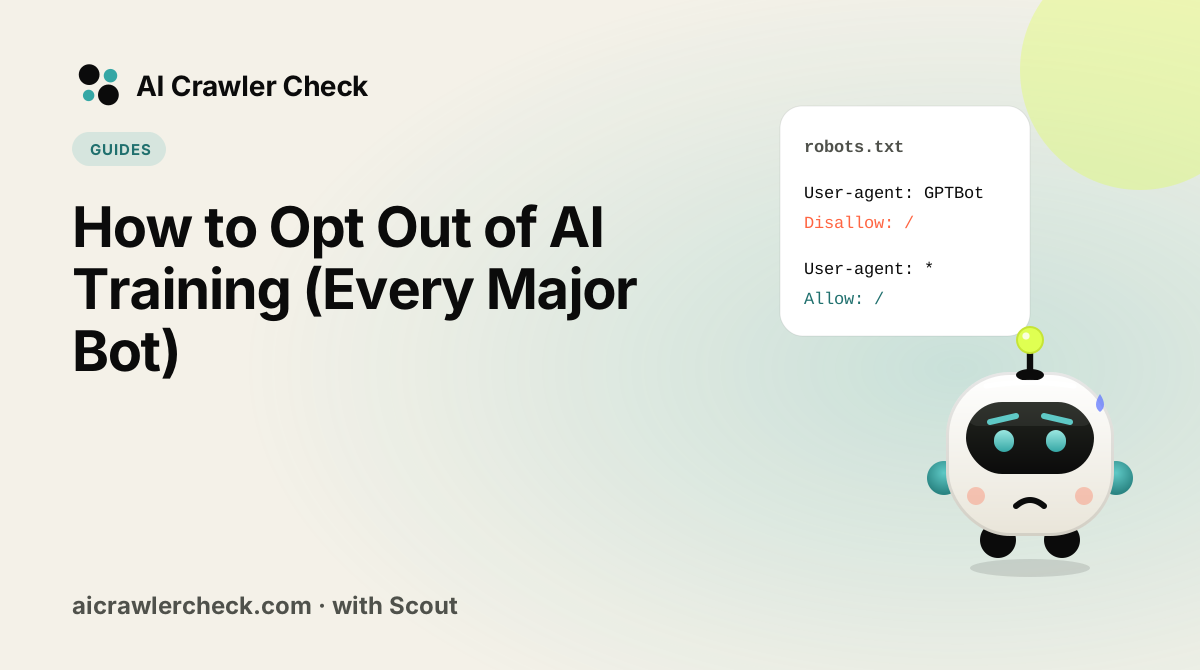
There is no single opt-out. Each vendor implemented its own mechanism, at a different layer, with a different name, and several distinguish between training and live retrieval using separate user agents that most opt-out guides list as one. So a site that has done everything a checklist asked can still be fully open to two of the largest crawlers, because those two chose a mechanism the checklist did not cover.
The deeper issue is that opting out is a request, not an enforcement. robots.txt, meta tags and header directives all rely on the reader choosing to comply. Named crawlers from major vendors generally do comply, and that is precisely the population an opt-out addresses. It does nothing about unnamed scrapers, third-party datasets that already contain your pages, or content that has been quoted elsewhere.
Four Ways to Think About the AI Training Opt-Out
Training and retrieval use different agents from the same vendor
The pattern to internalise is one vendor, several agents. One gathers text for future model training, another fetches a page when a user asks a live question, and a third may exist for a browsing feature. They have different names and are configured independently. Blocking the training agent while leaving the retrieval agent open is a coherent and often correct policy, and doing the reverse by accident is the most common opt-out error.
Some vendors honour a header or meta directive rather than robots.txt
Not every mechanism lives in robots.txt. Some respect a page-level meta directive, some read an HTTP response header, and some publish a separate account-level or feed-level setting. A robots.txt-only opt-out is therefore incomplete by construction. The header approach has one practical advantage worth knowing: it can be applied conditionally at the edge, which robots.txt cannot do.
Opting out has no retroactive effect
Any content already ingested stays in the datasets and the model weights built from them. An opt-out applied today affects future crawls and future training runs only. This matters for expectation-setting more than for the configuration itself: a team that expects existing representation to disappear will conclude the opt-out failed, when it worked exactly as specified.
Every new agent defaults to allowed
Opt-out lists name specific agents, so any crawler launched after your list was written is permitted by default. Vendors introduce and rename agents regularly. A list from a year ago is not wrong so much as incomplete, and it fails silently, since nothing about the file indicates that the crawler population it was written against has changed underneath it.
The Opt-Out Mistake That Costs Most
Copying an opt-out block from an article without checking the date
The most widespread opt-out configuration on the web is a block of user-agent rules copied from a well-shared blog post, usually naming four or five agents that were current when it was written. It is not syntactically wrong, which is why it survives review. It simply names an outdated population, omits the vendors that use headers instead of robots.txt, and in several cases blocks the retrieval agent while leaving the training agent named differently and untouched.
How to Know You Got Your Opt-Out Right
The check that matters here: Take the list of agents in your file and check each one against the current directory. Count how many of the agents in use today are missing from your file. That number, not the length of your file, tells you where the opt-out stands.
Where to Go From Here
Opt-Out is one piece of a larger picture. The AI bot directory documents every crawler we track with its operator, purpose and safety rating, and the bulk URL checker audits many sites in one pass if you manage a portfolio.
Your Opt-Out Action Checklist
Applied to How to Opt Out of AI Training, it looks like this:
- □Establish a baseline with a crawler check and write down the score before you change anything.
- □Write the policy in plain language first.
- □Validate the change with the robots.txt check before it reaches production.
- □Map each intention to a specific user agent.
- □Record the current state before changing it.