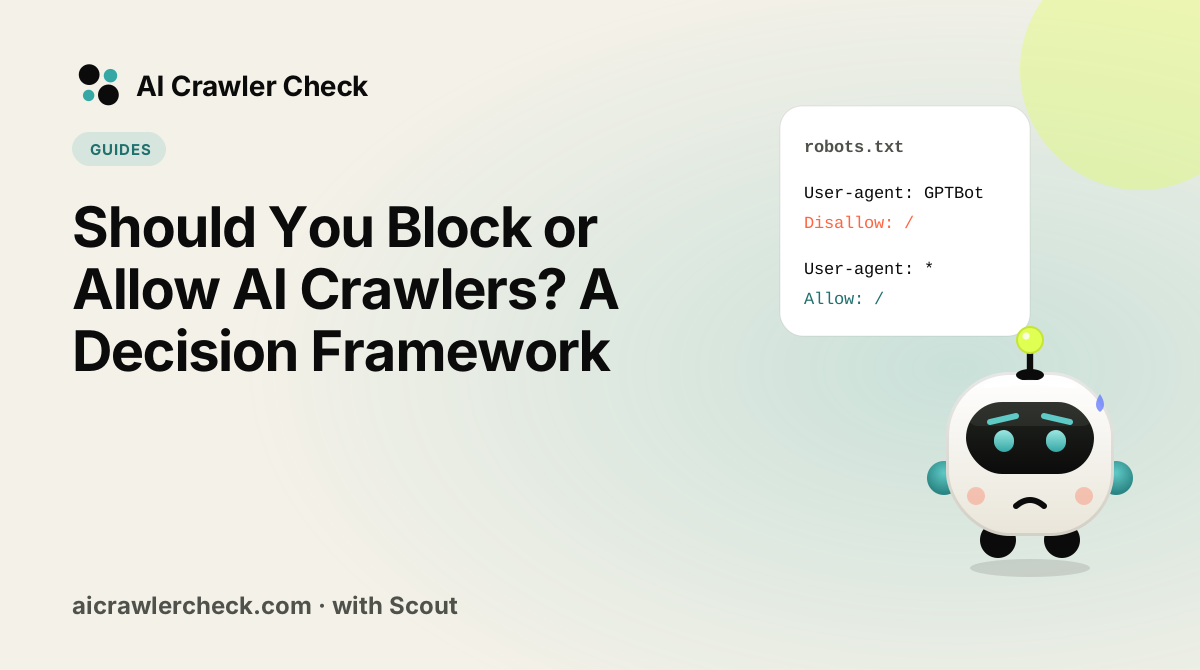
In this guide you will learn how to decide your AI crawler policy with a framework. We will keep it practical, with clear steps, visual breakdowns, and specific actions you can take today. The first step in any AI visibility project is to run a crawler access checker on your website so you know exactly where you stand against the 265 bots we track across 8 categories.
Key Takeaways
- Should You Block or Allow AI Crawlers? A Decision Framework is a practical, repeatable process, not a one-time fix.
- Most AI visibility problems trace back to access, not content.
- You can verify every change with the crawler access checker and the robots.txt validator.
- Document your approach so the whole team applies it consistently.
Turning a Policy Decision Into a Live Configuration
The hard part is not editing the file, it is deciding what the policy should be and then making the file match it exactly.
Write the policy in plain language first
State in one paragraph what you want to permit, what you want to prevent, and why. A policy that cannot be stated plainly cannot be implemented correctly, and this document is what makes the file reviewable later.
Map each intention to a specific user agent
Translate the policy into named crawlers, distinguishing training collectors from retrieval agents. This is the step where a well-intentioned policy usually turns into the wrong file, because the two categories are easy to conflate.
Record the current state before changing it
Run a crawler check and save the result. Without a baseline you cannot demonstrate the change worked, and you cannot roll back with confidence.
Generate the file rather than editing it
Use a robots.txt creator to write a block-or-allow decision into correct syntax with explicit groups. Hand-edited files collect rules that each look plausible and together contradict each other.
Validate, publish, then set an owner and a date
Check it with a robots.txt check, publish, and assign a named owner with a review interval. An unowned policy is indistinguishable from no policy within a year.
The Real Shape of the Block or Allow Decision
Almost every version of this question is asked at the wrong scope. Teams debate whether to allow AI crawlers across the whole site, arrive at a single yes or no, and encode it in one robots.txt block. But a site is not one kind of content. Documentation, pricing, original research and gated material each have a different answer, and a sitewide decision forces four different problems into one setting.
The second scoping error is time. This is treated as a permanent decision when it is actually a revisable one, and the two are decided very differently. A reversible choice should be made quickly, at the lowest level, and reviewed on a schedule. Content already ingested cannot be recalled, so the parts of the decision that are irreversible deserve most of the deliberation and the rest deserves far less.
Four Access Choices Worth Making Deliberately
Split the site by what each page is for, not by directory
The useful segmentation is by commercial function. Content that exists to be found and quoted, such as documentation and explainers, wants maximum access. Content that exists to convert, such as pricing and case studies, wants to be cited accurately with attribution. Content that is the product itself, such as a proprietary dataset, wants neither. Directory structure rarely matches these boundaries, which is why path-based rules feel awkward and need rewriting around the function instead.
Separate the irreversible part of the decision from the rest
Allowing a training crawler for a quarter puts that content in a model you cannot remove it from later. Allowing a live retrieval fetcher for a quarter has almost no lasting effect, because it reads the page fresh each time and stops when you stop it. These two carry completely different risk profiles, so treating them as one decision means either over-restricting the harmless case or under-thinking the permanent one.
Name the owner before choosing the answer
The most common reason this decision decays is that nobody owns it. Legal has an opinion, marketing has an opposite one, and engineering ends up choosing by default while editing a file. Write down which role holds the decision and which roles are consulted. A policy with an owner gets revisited when the bot list changes; a policy set by whoever last touched the repository does not.
Decide what evidence would change your mind, in advance
Commit to the observation that would reverse the choice before you make it. If the reason to allow is expected referral traffic from AI answers, then a quarter with no measurable referrals is a reason to revisit. If the reason to block is competitive risk, name the specific loss you expect to see. Without this, whichever choice you make becomes permanent through inertia, because no result ever counts as disconfirming.
The Access Mistake That Costs Most
Answering sitewide and calling the question closed
The failure mode is not choosing wrongly, it is choosing once at the wrong granularity. A blanket allow gives away the one dataset that was worth protecting, and a blanket block hides the documentation that would have earned citations. Both look like decisive policy, both are recorded as done, and neither gets revisited because there is no segment small enough to argue about later. The fix is to make the decision at the level of content function, where reasonable people can disagree about one segment without reopening everything.
What to Confirm Before You Trust Your Access
The check that matters here: Write down your answer for four named content types rather than for the site. If all four are the same, you have probably not looked closely enough at what each type is for.
Where to Go From Here
Access is one piece of a larger picture. The full list of AI crawlers documents every crawler we track with its operator, purpose and safety rating, and the bulk URL checker audits many sites in one pass if you manage a portfolio.
Your Access Action Checklist
Applied to Should You Block or Allow AI Crawlers, it looks like this:
- □Establish a baseline with an AI crawler access checker and write down the score before you change anything.
- □Write the policy in plain language first.
- □Validate the change with the robots.txt check before it reaches production.
- □Map each intention to a specific user agent.
- □Record the current state before changing it.