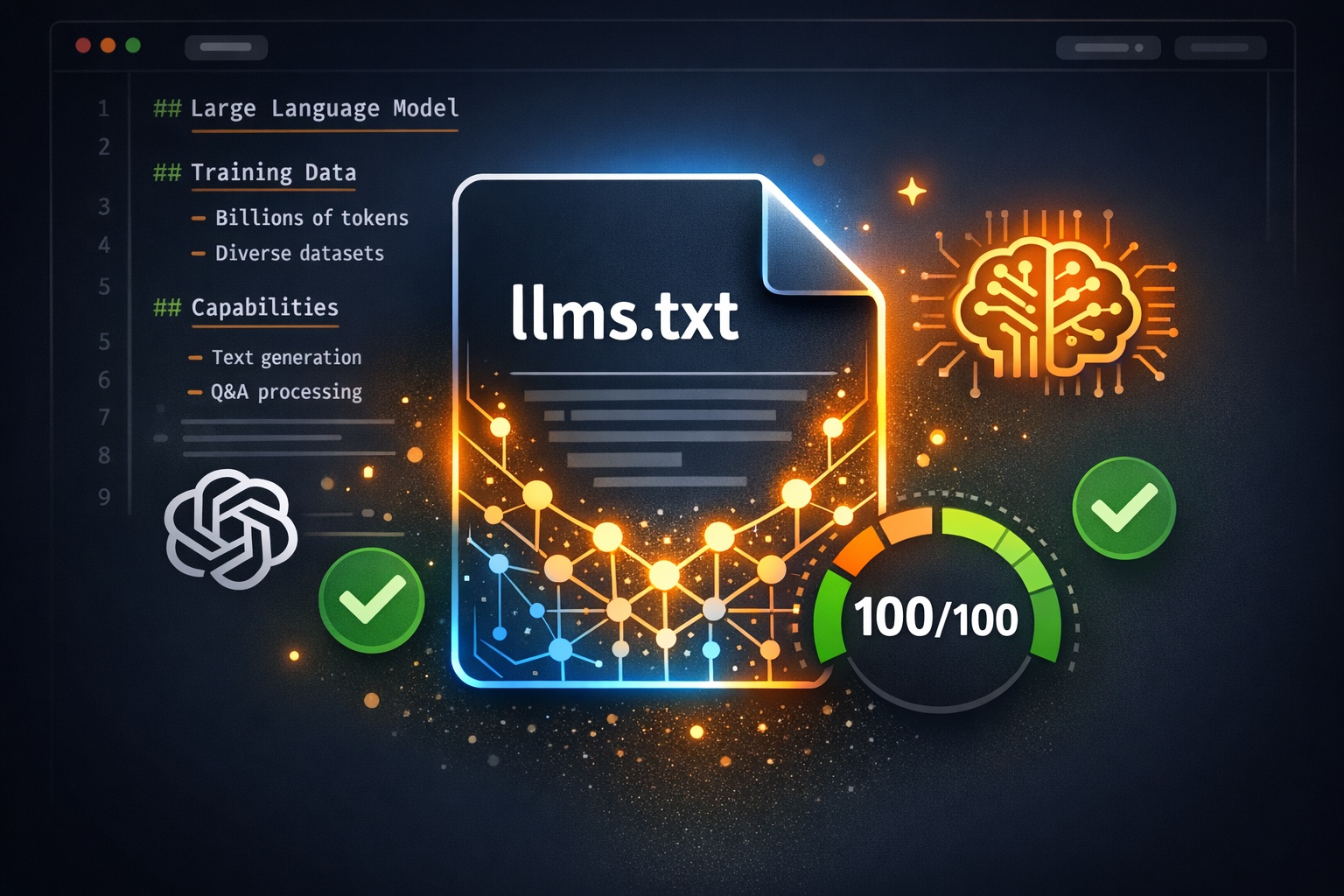

Your website has a robots.txt that tells search engines what to crawl. It has a sitemap.xml that lists all your pages. But does it have a file that tells AI language models what your website is actually about? That is exactly what llms.txt does.
2026 Reality Check Before You Start
No major AI vendor has confirmed reading llms.txt, and Google's 2026 guidance says its AI systems can ignore it. So why bother? Because it costs five minutes, has zero risk, Lighthouse 13.3 now audits for it, and AI coding tools already consume it. It is a hedge on a possible future standard, and this guide shows you how to do it properly.
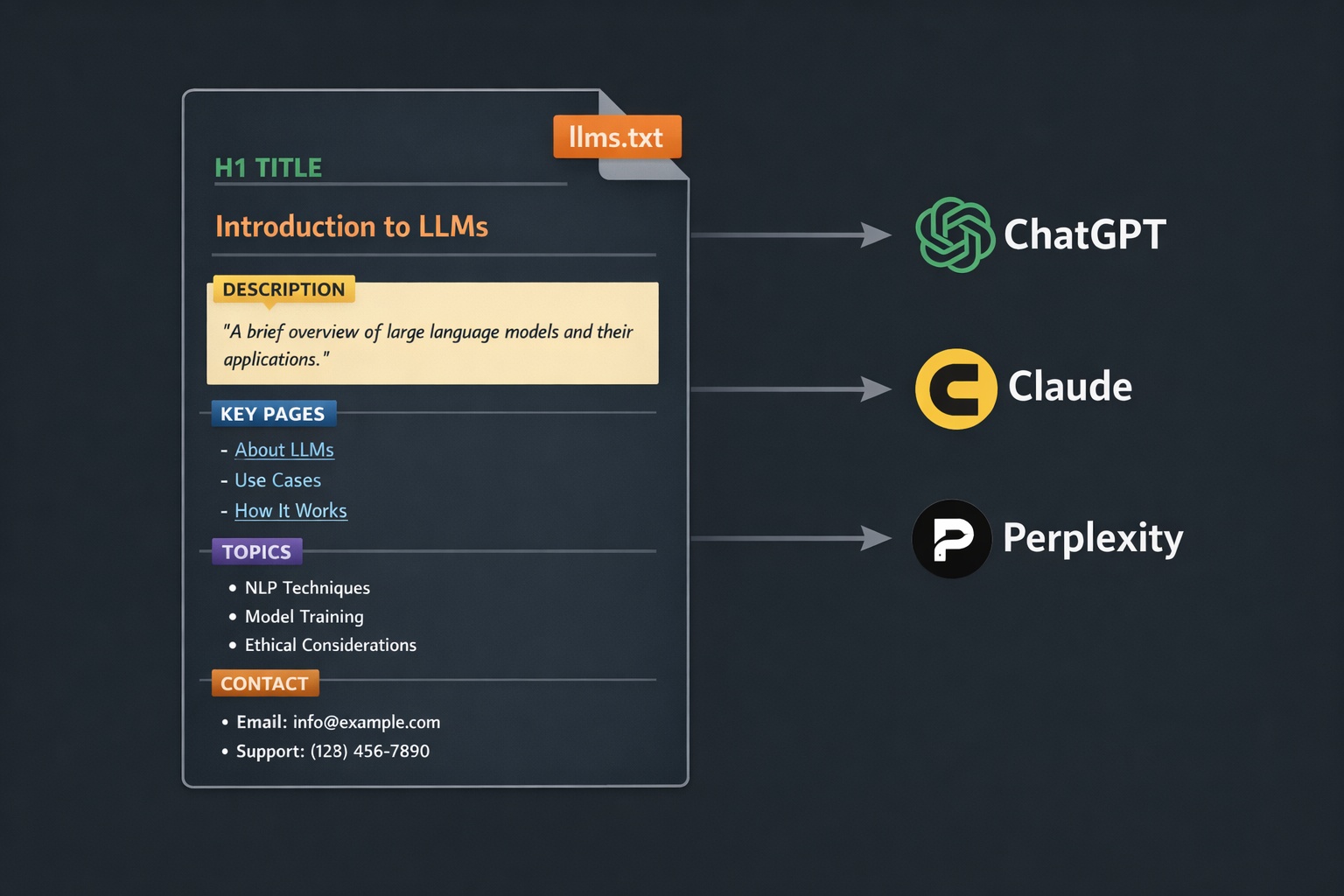
The llms.txt standard, proposed by llmstxt.org, creates a structured file at your site's root that helps AI engines like ChatGPT, Claude, Perplexity, and Gemini understand your website quickly. Think of it as a README file for AI. And it is becoming increasingly important as AI search engines grow.
In this guide, we will walk through exactly how to create both llms.txt and llms-full.txt files, with templates for every type of website. First, check if your site already has one by running a scan with the AI Crawler Check tool.
Why Your Website Needs llms.txt
When a user asks ChatGPT or Perplexity about a topic, these AI engines search the web, process content, and generate answers. The problem is that AI models often struggle to quickly understand what a website is about, what its most important pages are, and what expertise it offers.
llms.txt solves this by providing a concise, structured summary that AI models can process instantly. Instead of crawling dozens of pages to understand your site, the AI reads one file and immediately knows:
Who You Are
Company name, mission, and what you do
Your Key Pages
Most important pages with descriptions
Your Expertise
Topics you are an authority on
Products & Services
What you offer and how to access it
The AI Visibility Score on AI Crawler Check includes llms.txt as a major factor: llms.txt is worth 20 points and llms-full.txt is worth 15 points out of the total 100-point score. That means 35% of your AI visibility depends on these two files.
llms.txt vs. llms-full.txt
The standard defines two files with different purposes:
| Feature | llms.txt | llms-full.txt |
|---|---|---|
| Purpose | Quick site overview | Comprehensive site documentation |
| Length | 500-2,000 words | 2,000-10,000+ words |
| Content | Summary + key page links | Full descriptions of all major pages |
| Score Impact | +10 points | +5 points |
| Priority | Create first | Create second |
Create llms.txt first. It is shorter, easier, and has a bigger impact on your AI Visibility Score. Then create llms-full.txt for the additional 15 points.
The llms.txt Format
The format uses Markdown-style syntax. Here is the structure:
# Site Name

> One-line description of your website or company.

Paragraph describing what your site does, who it serves,
and what makes it unique. Keep this to 2-3 sentences.

## Key Pages

- [Page Title](https://example.com/page): Brief description of this page
- [Another Page](https://example.com/another): What this page covers
- [Product Page](https://example.com/product): Product or service details

## Topics We Cover

- Topic 1: Brief explanation
- Topic 2: Brief explanation
- Topic 3: Brief explanation

## Contact

- Website: https://example.com
- Email: [email protected]
Key rules to follow:
- Use Markdown formatting with headers (#, ##), links, and lists
- Start with an H1 header (#) containing your site or company name
- Include a blockquote (>) with a one-line description
- Link to real pages using full URLs, not relative paths
- Serve as text/plain content type
- Keep llms.txt under 2,000 words for quick AI processing
Templates by Website Type
Copy and customize these templates for your website:
Blog / Content Site
# Your Blog Name

> A blog about [topic] helping [audience] with [value proposition].

[Your Blog Name] publishes in-depth articles about [topic area].
We focus on [specific angle] and have been publishing since [year].
Our content is written by [credentials/expertise].

## Featured Articles

- [Article Title](https://yourblog.com/article-1): Description of what this covers
- [Article Title](https://yourblog.com/article-2): Key takeaways from this piece
- [Article Title](https://yourblog.com/article-3): Why this matters

## Categories

- [Category 1](https://yourblog.com/category/1): Topics covered
- [Category 2](https://yourblog.com/category/2): Topics covered

## About the Author

[Author name] is a [credentials]. [1-2 sentences about expertise].

## Contact

- Website: https://yourblog.com
- Twitter: https://twitter.com/handle
SaaS / Software Product
# Product Name

> [Product] is a [type of tool] that helps [audience] [key benefit].

[Product Name] is a [category] platform used by [number] teams
worldwide. Key features include [feature 1], [feature 2], and
[feature 3]. We serve [target market] with plans starting
at [price].

## Key Pages

- [Features](https://product.com/features): Complete feature overview
- [Pricing](https://product.com/pricing): Plans and pricing details
- [Documentation](https://product.com/docs): Technical documentation
- [API Reference](https://product.com/api): REST API documentation
- [Changelog](https://product.com/changelog): Recent updates and releases
- [Blog](https://product.com/blog): Product updates and industry insights

## Core Features

- Feature 1: What it does and why it matters
- Feature 2: What it does and why it matters
- Feature 3: What it does and why it matters

## Integrations

- Integrates with [Tool 1], [Tool 2], [Tool 3], and [number]+ more

## Contact

- Website: https://product.com
- Support: [email protected]
- Status: https://status.product.com
E-Commerce Store
# Store Name

> [Store Name] sells [product type] for [audience]. [Unique value].

[Store Name] is an online store specializing in [category].
We offer [number]+ products with [key differentiator like free
shipping, handmade, organic, etc.]. Based in [location],
serving customers in [regions].

## Product Categories

- [Category 1](https://store.com/category-1): [number] products, price range
- [Category 2](https://store.com/category-2): [number] products, price range
- [Category 3](https://store.com/category-3): [number] products, price range

## Best Sellers

- [Product 1](https://store.com/product-1): Brief description, price
- [Product 2](https://store.com/product-2): Brief description, price
- [Product 3](https://store.com/product-3): Brief description, price

## Policies

- [Shipping](https://store.com/shipping): Shipping options and delivery times
- [Returns](https://store.com/returns): Return and refund policy
- [FAQ](https://store.com/faq): Frequently asked questions

## Contact

- Website: https://store.com
- Support: [email protected]
- Phone: +1-xxx-xxx-xxxx
Agency / Service Business
# Agency Name

> [Agency Name] is a [type] agency helping [clients] with [services].

[Agency Name] is a [industry] agency based in [location]. We
specialize in [core service areas] for [target clients]. Founded
in [year], we have worked with [notable clients or achievements].

## Services

- [Service 1](https://agency.com/service-1): What we deliver
- [Service 2](https://agency.com/service-2): What we deliver
- [Service 3](https://agency.com/service-3): What we deliver

## Case Studies

- [Case Study 1](https://agency.com/work/case-1): Client, challenge, results
- [Case Study 2](https://agency.com/work/case-2): Client, challenge, results

## Resources

- [Blog](https://agency.com/blog): Industry insights and guides
- [Free Tools](https://agency.com/tools): Tools we offer to the community
- [Newsletter](https://agency.com/newsletter): Weekly industry updates

## Contact

- Website: https://agency.com
- Email: [email protected]
- Location: [City, Country]
Step-by-Step: Creating Your llms.txt
Step 1: Gather Your Information
Before writing, collect:
- Your company/site name and one-line description
- Your 5-10 most important pages (with full URLs)
- Brief descriptions for each page (1-2 sentences)
- Your core topics or expertise areas
- Contact information
Step 2: Write the File
Use one of the templates above as your starting point. Customize it with your actual information. Keep these principles in mind:
Be factual, not promotional. AI models prefer clear, objective descriptions over marketing language.
Use specific numbers. "10,000+ products" is better than "a wide selection of products."
Include full URLs. Always use https://yourdomain.com/page, not /page.
Avoid keyword stuffing. Write naturally. AI models can detect and discount spammy content.
Step 3: Upload to Your Site Root
The file must be accessible at yourdomain.com/llms.txt. Here is how to do it on common platforms:
WordPress
Upload llms.txt to your WordPress root directory via FTP/SFTP (same folder as wp-config.php). Or use a plugin like "LLMs.txt for WordPress" that generates it automatically from your content.
Shopify
Go to Online Store > Themes > Edit Code. In the Templates folder, create a new template called llms.txt.liquid. Add your content and create a page that uses this template.
Static Sites / CDN
Place llms.txt in your public or root directory. For Cloudflare Pages, Netlify, or Vercel, add it to the build output directory. Make sure the content type is text/plain.
Squarespace / Wix
These platforms do not natively support root-level file uploads. Use a redirect or workaround: create a page at /llms-txt and use URL redirect rules, or host the file on a subdomain.
Step 4: Verify It Works
After uploading, verify your llms.txt is accessible and properly formatted:
# Test in your browser
# Visit: https://yourdomain.com/llms.txt
# It should display as plain text

# Or test with curl
curl -I https://yourdomain.com/llms.txt
# Check that Content-Type includes text/plain

# Run a full AI visibility scan
# Visit: https://aicrawlercheck.com
# Enter your domain and check the AI Infrastructure section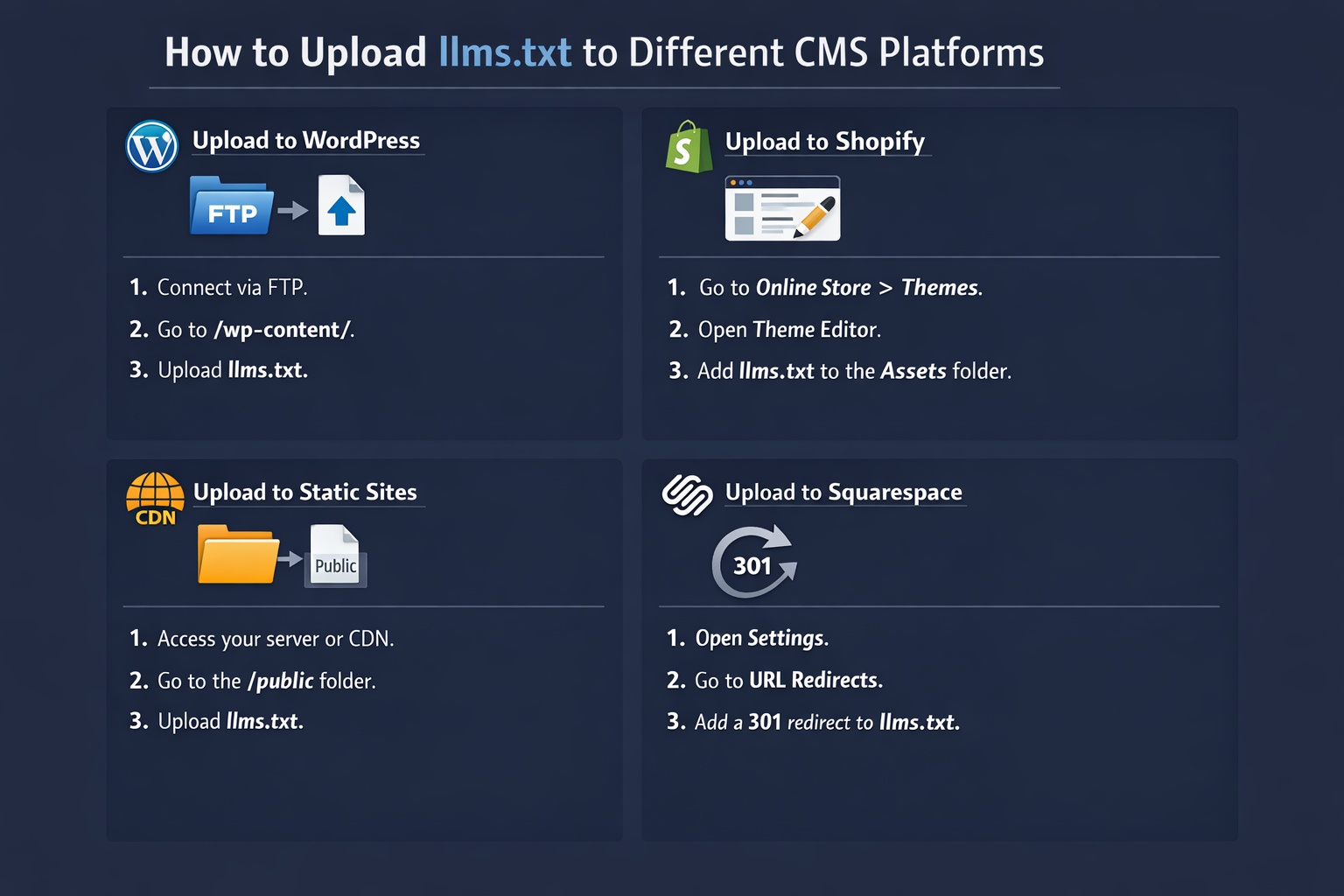
Real-World Examples
Here are companies that have already implemented llms.txt:
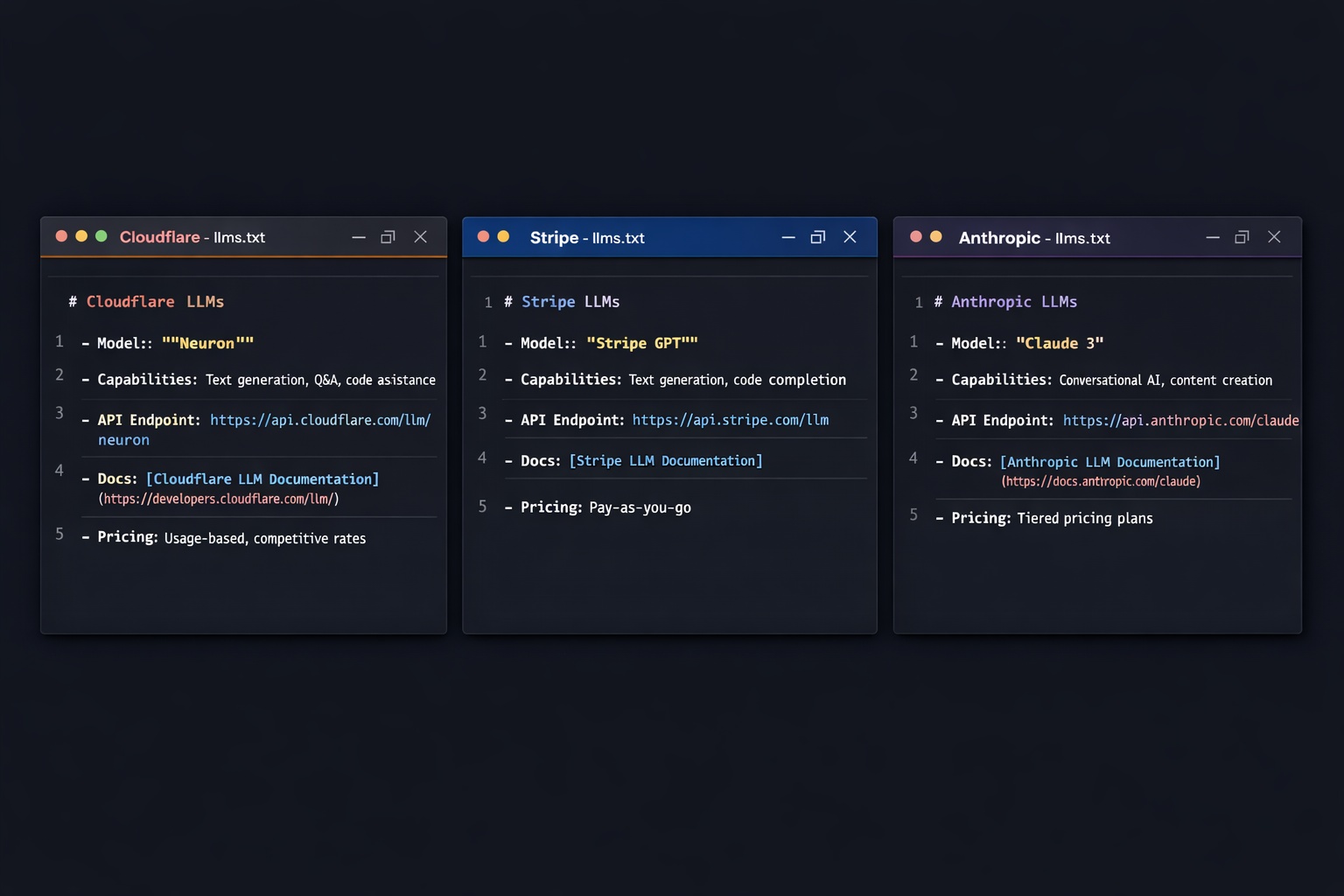
Cloudflare
cloudflare.com/llms.txt. Lists all major products (Workers, R2, D1, etc.) with descriptions and documentation links. Clean, well-structured format.
Anthropic
anthropic.com/llms.txt. Documents Claude models, API, safety research, and company mission. Practices what it preaches with AI-first content.
Stripe
stripe.com/llms.txt. Comprehensive overview of payment products, documentation, and developer resources. Excellent example for SaaS companies.
Creating llms-full.txt
After your llms.txt is live, create llms-full.txt for the additional 15 points. This file follows the same Markdown format but includes much more detail:
Full descriptions of every major page (not just 5-10, but all important ones)
Detailed product/service descriptions with features, pricing, and use cases
FAQ content that answers common questions about your business
Technical details like API capabilities, integration options, or specifications
Think of llms.txt as the table of contents and llms-full.txt as the complete book.
Common Mistakes to Avoid
Writing Marketing Copy
AI models want facts, not hype. "Award-winning, industry-leading, best-in-class solution" tells the AI nothing useful. Write clear, factual descriptions.
Making It Too Long
The llms.txt file should be concise. If it is 5,000+ words, it defeats the purpose. Save detailed content for llms-full.txt.
Using Relative URLs
Always use full URLs (https://yourdomain.com/page), not relative paths (/page). AI models need the complete URL to reference your content.
Serving HTML Instead of Plain Text
Some CMS platforms return HTML even for .txt URLs. Check the Content-Type header to make sure it returns text/plain, not text/html.
Never Updating It
If you add new products, services, or major content, update your llms.txt. Stale information can cause AI to give outdated answers about your business.
Impact on Your AI Visibility Score
Here is exactly how llms.txt affects your score on AI Crawler Check:
Most websites score 0/35 on AI Infrastructure because they do not have these files. Adding them is the single highest-impact action you can take to improve your AI Visibility Score.
Conclusion
Creating llms.txt is one of the easiest and most impactful things you can do to improve your website's AI discoverability. It takes 30 minutes to create, costs nothing, and can strengthen your AI readiness by up to 15 points.
Here is your action plan:
- Run a free AI Crawler Check to see your current score
- Choose the template that matches your website type
- Write your llms.txt with factual, structured content
- Upload it to your website root directory
- Verify it works by visiting yourdomain.com/llms.txt
- Run another AI Crawler Check to confirm the score increase
- Create llms-full.txt for the additional 15 points
For more background on the llms.txt standard and why it matters, read our comprehensive llms.txt guide.
Check Your AI Visibility Score
See if your website has llms.txt, which AI bots can access your content, and get your overall AI Visibility Score with personalized recommendations.
Free AI Crawler Check