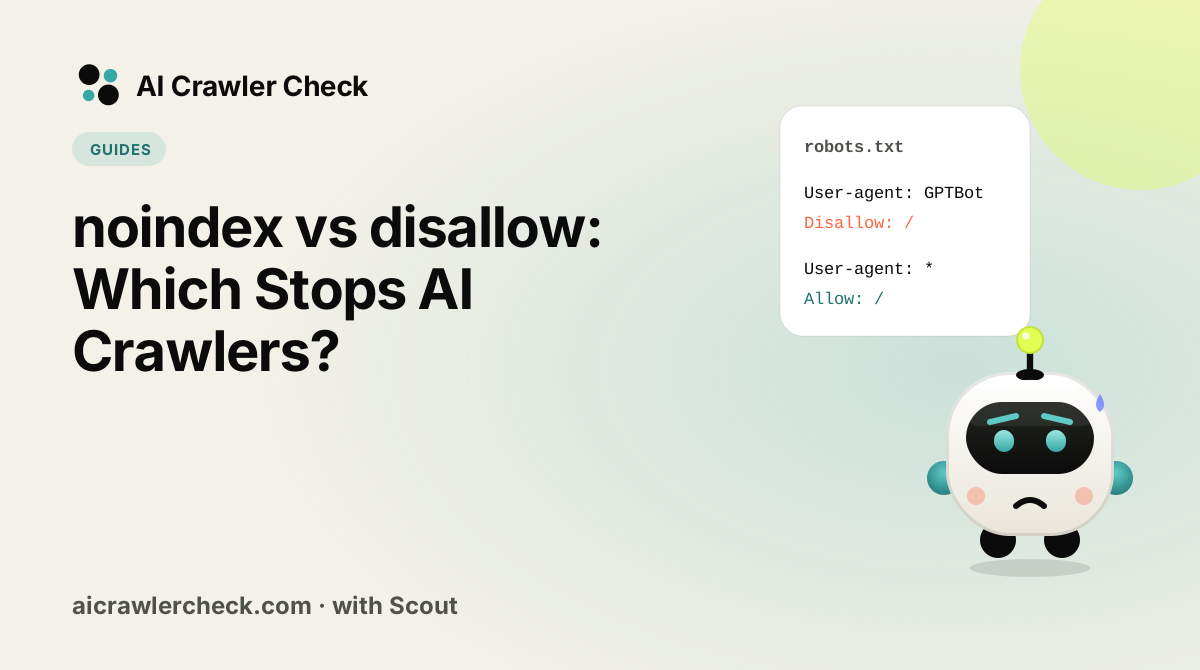
In this guide you will understand which directive actually keeps content out of AI. We will keep it practical, with clear steps, visual breakdowns, and specific actions you can take today. The first step in any AI visibility project is to run a GPTBot and ClaudeBot access check on your website so you know exactly where you stand against the 265 bots we track across 8 categories.
Key Takeaways
- noindex vs disallow: Which Stops AI Crawlers? is a practical, repeatable process, not a one-time fix.
- Most AI visibility problems trace back to access, not content.
- You can verify every change with the AI bot access checker and the robot checker.
- Document your approach so the whole team applies it consistently.
How to Change robots.txt Without Breaking Anything
Read the file that is actually served
For a site choosing between noindex and disallow, open the live robots.txt in a browser instead of trusting the editor, because caches and platforms can serve a different version.
Identify which rule matches which agent
Walk each AI user agent through the groups in the file for a site choosing between noindex and disallow and note which group wins, keeping whether each page is blocked from fetching or only from indexing in mind as you go.
Change one thing, in one block
For noindex vs disallow, start with robots.txt builder.
Test the rule against real paths before publishing
Paste real URLs from the pages you want kept out of AI answers into a tester and check each AI bot gets the result you intended before the file goes live.
Verify from outside, then record what you changed
Test the pages you want kept out of AI answers from outside your network, then log what changed and why for a site choosing between noindex and disallow.
The Part of noindex and Disallow That Trips People Up
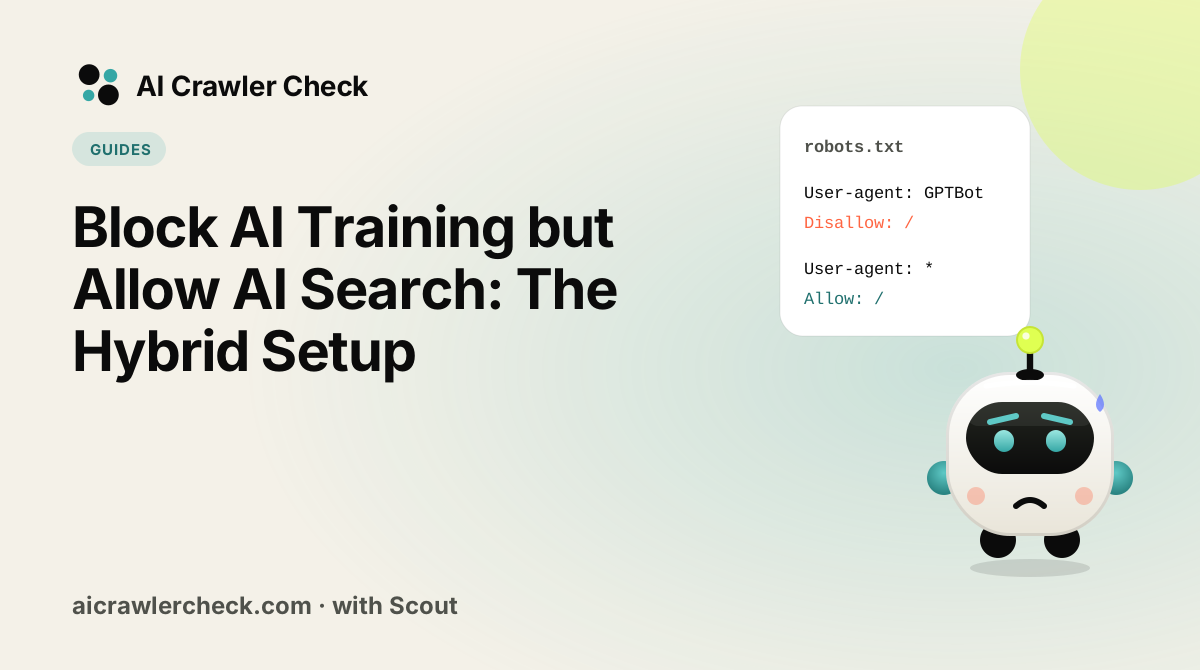
noindex and Disallow are habitually treated as two strengths of the same control. They target different things: Disallow is about fetching, noindex is about listing, and for AI crawlers there is a third outcome neither addresses, which is whether your content is used to train a model.
That third outcome is why classical search advice transfers badly. A page can be excluded from an index and still be excellent training material, and a page can be indexed and never cited. Deciding what you actually object to has to precede choosing a directive, because the directives do not map onto the concern.
Four noindex and Disallow Rules Worth Knowing
Disallow is the only one of the two most AI crawlers act on
Training collectors are not building a search index, so an indexing directive is not necessarily meaningful to them. Preventing the fetch is the control with predictable effect. This inverts the usual preference for noindex as the more precise instrument, because precision about indexing is irrelevant to a crawler that is not indexing.
noindex requires the page to be fetched to work
The directive lives in the response, so the crawler must be permitted to request the page. Using both controls on one URL guarantees the noindex is never read. For AI crawlers this matters less than for search engines, but the mechanical trap is identical and catches people who apply search habits here.
Neither prevents content already collected from being used
A directive added today governs future fetches. Content already gathered into a training corpus is not withdrawn by a change to your file, and there is no directive that reaches backwards. This is the most commonly misunderstood limitation, and it makes the timing of the decision matter more than its wording.
Purpose is expressed by which bot you name, not by which directive you use
Since the format has no vocabulary for training versus citation, the only way to express that distinction is to name the crawlers individually. Blocking GPTBot while allowing OAI-SearchBot is a policy statement; there is no directive that says do not train on this. Getting the bot list right is therefore the substance of the work.
The One noindex and Disallow Error Worth Auditing For
Applying noindex in the belief that it prevents training use
noindex is familiar, feels like the careful choice, and is often reached for when the real concern is model training. It addresses search listing and says nothing about training, so the objectionable use continues while the page also loses search visibility. The outcome is the worst of both, arrived at by using the more sophisticated-looking tool.
The One noindex and Disallow Check That Settles It
The check that matters here: For each URL you have restricted, write down which of the three outcomes you were trying to prevent: fetching, listing, or training. Any case where the directive does not match the outcome is a mistake.
A page can be allowed in robots.txt and still carry noindex, or the reverse. To check if a page is crawlable and indexable in one pass, our scan reads robots.txt for the exact path and the meta robots and X-Robots-Tag values together.
Where to Go From Here
noindex and Disallow is one piece of a larger picture. The full list of AI crawlers documents every crawler we track with its operator, purpose and safety rating, and the batch URL checker audits many sites in one pass if you manage a portfolio.
Syntax errors in robots.txt fail silently, so validate before you publish. Use the robots txt check, then confirm the result with an AI crawler access checker.
Your noindex and Disallow Action Checklist
Applied to noindex vs disallow, it looks like this:
- □Back up your current robots.txt before editing, so you can revert if a rule behaves unexpectedly.
- □Read the file that is actually served.
- □Run the robots.txt check to confirm the syntax resolves the way you intend.
- □Identify which rule matches which agent.
- □Re-crawl after the change, because engines cache robots.txt and the effect is not instant.