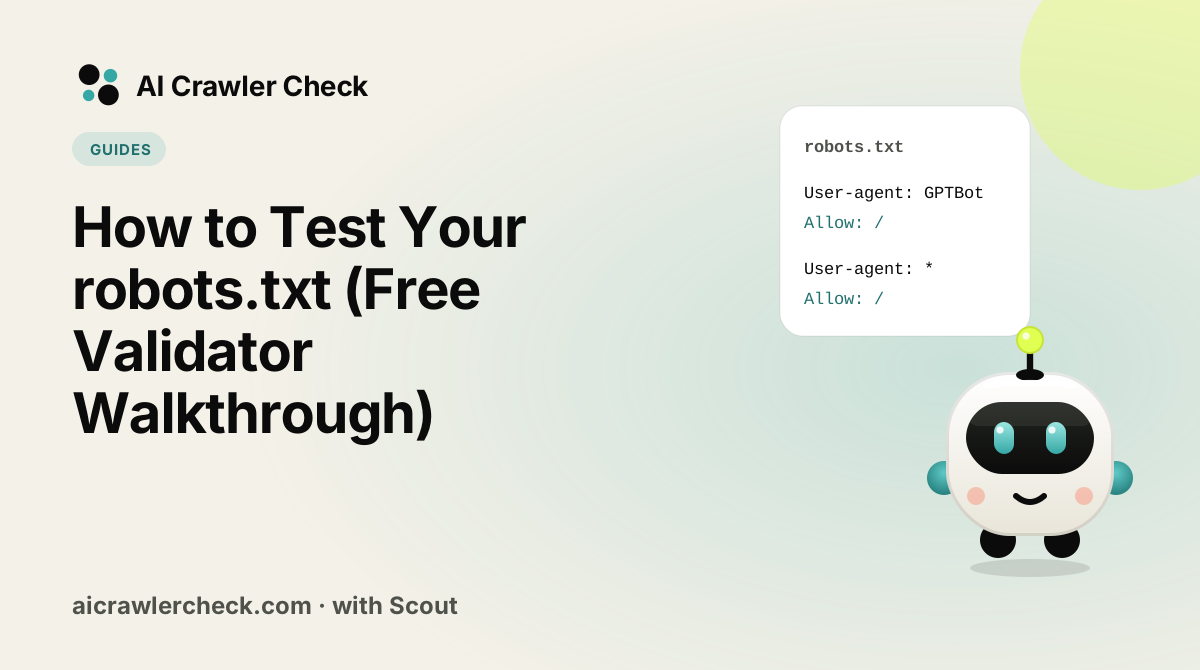
In this guide you will learn how to validate robots.txt and confirm bot access. We will keep it practical, with clear steps, visual breakdowns, and specific actions you can take today. The first step in any AI visibility project is to run a robots.txt AI crawler test on your website so you know exactly where you stand against the 265 bots we track across 8 categories.
Key Takeaways
- How to Test Your robots.txt (Free Validator Walkthrough) is a practical, repeatable process, not a one-time fix.
- Most AI visibility problems trace back to access, not content.
- You can verify every change with the live AI crawler test and the robots.txt check.
- Document your approach so the whole team applies it consistently.
How to Change robots.txt Without Breaking Anything
Read the file that is actually served
For a robots.txt under test, open the live robots.txt in a browser instead of trusting the editor, because caches and platforms can serve a different version.
Identify which rule matches which agent
Walk each AI user agent through the groups in the file for a robots.txt under test and note which group wins, keeping the validator result for each bot and path pair in mind as you go.
Change one thing, in one block
When you change validator findings, a broad rewrite makes it impossible to tell which edit broke something. Edit a single directive, note what you expect to change, and generate the replacement with a robots.txt file generator rather than by hand.
Test the rule against real paths before publishing
Run the edited file through a robot checker with the specific URLs you care about, including at least one you intend to block and one you intend to allow. A rule that passes syntax checking can still match nothing.
Verify from outside, then record what you changed
Fetch the live file again and re-run an AI crawl checker. Then write down the change and the reason, because the next person to debug this file will otherwise be guessing at your intent.
What Is Really Going On With robots.txt Validation
Most robots.txt checking answers the wrong question. Syntax validation tells you the file parses, which it almost always does, because nearly every damaging robots.txt error is perfectly valid syntax. What you need to know is which decision a specific crawler will make about a specific URL.
That reframing changes the whole workflow. Instead of validating a file, you test cases: this agent, this path, expected outcome. A file with no syntax errors and no tested cases has not been verified at all, and that describes most production robots.txt files.
The Four Things That Actually Matter About robots.txt Validation
Test cases, not files
Choose the paths that matter, including at least one you intend to block and several you intend to leave open, then check each against each crawler you care about. This catches the two failures syntax checking cannot see: a rule that matches more than intended, and a rule that matches nothing at all.
Always test the file that is actually served
Validate by fetching from the live domain rather than pasting the version in your editor. Platform defaults, plugin overrides, proxy rewrites and CDN rules routinely mean the served file differs from the authored one, and a validation run on the wrong text is worse than none because it produces false confidence.
Test per user agent, not once
Since a crawler obeys only its most specific matching block, the same file yields different verdicts for different agents. Validating against the wildcard block tells you nothing about how a named crawler behaves. Run the important paths against each named agent in the file, and against one agent not named in it.
Include the negative cases deliberately
The rule you can prove blocks what it should is only half the check. The valuable half is proving it does not block anything else, which requires listing URLs you expect to stay crawlable and confirming they do. Skipping this is why over-blocking survives so long.
The Most Expensive Misunderstanding About robots.txt Validation
Treating a clean syntax check as a passing grade
Validators report structural problems, and structural problems are rare. The expensive errors are well-formed rules that match the wrong set of URLs, and those pass every syntax check cleanly. A green result therefore feels like verification while establishing almost nothing about behaviour.
What to Test About robots.txt Validation Before Moving On
The check that matters here: Write down ten URL and agent pairs with the outcome you expect, then run them. Keep the list; re-running it after any change is a regression test, and it takes a minute.
A validator proves the file parses. A crawlability test proves the live page behind it can actually be fetched and indexed, so run both after every robots.txt change.
Where to Go From Here
robots.txt Validation is one piece of a larger picture. The AI crawler directory documents every crawler we track with its operator, purpose and safety rating, and the batch URL checker audits many sites in one pass if you manage a portfolio.
Syntax errors in robots.txt fail silently, so validate before you publish. Use the robots.txt check, then confirm the result with an AI crawl checker.
Your robots.txt Validation Action Checklist
Applied to How to Test Your robots.txt, it looks like this:
- □Back up your current robots.txt before editing, so you can revert if a rule behaves unexpectedly.
- □Read the file that is actually served.
- □Run the robot checker to confirm the syntax resolves the way you intend.
- □Identify which rule matches which agent.
- □Re-crawl after the change, because engines cache robots.txt and the effect is not instant.