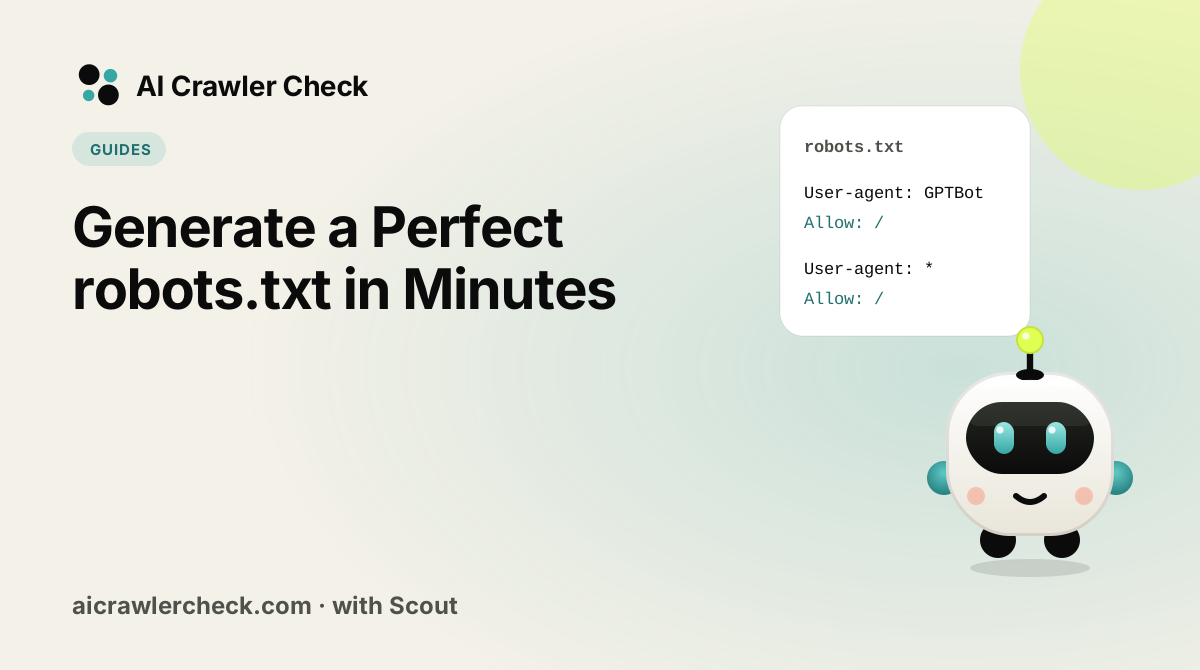
In this guide you will learn how to use a generator to build robots.txt fast. We will keep it practical, with clear steps, visual breakdowns, and specific actions you can take today. The first step in any AI visibility project is to run a GPTBot and ClaudeBot access check on your website so you know exactly where you stand against the 265 bots we track across 8 categories.
Key Takeaways
- Generate a Perfect robots.txt in Minutes is a practical, repeatable process, not a one-time fix.
- Most AI visibility problems trace back to access, not content.
- You can verify every change with the AI crawlability checker and the robot checker.
- Document your approach so the whole team applies it consistently.
Getting a Reliable Result From the Tools
Scan the canonical hostname
Scan the exact hostname a site generating a fresh robots.txt uses as canonical, with or without www, because rules on the other hostname do not apply.
Read the result as a snapshot, not a verdict
An AI bot access checker reports what a crawler can reach right now. A block may originate in robots.txt, in a firewall, or in a rendering gap, and the score alone does not tell you which.
Confirm the cause before changing anything
Test the specific failing paths with a robots checker to establish whether robots.txt is responsible. If it permits the path, the cause is elsewhere and editing the file will not help.
Produce the fix with the generator rather than by hand
Use a robots.txt builder so the block structure and precedence are correct. Most broken files are the result of plausible individual edits that interact badly.
Re-scan and keep the before-and-after
After the change, scan the generated file before it replaces the old one again and save both results so you can show what improved for a site generating a fresh robots.txt.
The Question Behind Generating robots.txt
The reason to generate the file rather than write it is not speed. Hand-written robots.txt files fail in ways that are silent by design: the format has no error reporting, so a mistyped agent name, a rule in the wrong block or a pattern that matches nothing all produce a file that looks correct and does something different from what was intended. Generating the file removes the class of error that hand-editing cannot detect.
What generation does not do is decide policy. It turns an intention into correct syntax, which means an unclear intention becomes a correct file expressing the wrong thing. That is the honest limit of any generator, and it is why the useful sequence is to settle what you want first and generate second, rather than exploring the policy by editing rules and observing what happens.
The Four Parts of Generator Worth Arguing About
The block structure is the part worth not hand-writing
The single most damaging robots.txt error is putting a rule in the wrong user-agent block, because a crawler obeys exactly one block and does not inherit from the wildcard. Adding a named block therefore subtracts protections unless every needed rule is restated inside it. Generation handles that restatement automatically, which is precisely the step a human editing by hand forgets.
Generate for named agents, not for a category
A rule can only name a specific user agent, so an intention like block all AI training has to be expanded into a list of current agent names. Choosing those names from a maintained directory rather than memory is what keeps the file current, since agents are added and renamed regularly and any agent your file does not name is permitted by default.
Keep the generated file, do not hand-edit it afterwards
A generated file that is then hand-edited has the worst properties of both: it looks machine-produced and consistent, and it contains an untested change nobody records. If the policy changes, regenerate. Treating the generator as the source and the file as its output is what keeps the two in agreement over time.
Generation and validation answer different questions
The generator answers is this file syntactically correct and internally consistent. It cannot answer does this rule match the URL I care about, because that depends on your paths. Those are two separate checks and passing the first says nothing about the second, which is why the file still needs testing against real URLs before it goes live.
Related: how AI engines choose their sources
What Goes Wrong Most Often With Generating robots.txt
Generating a file before deciding what the policy is
The pattern is using the generator as a way to think out loud: toggling options, publishing, seeing what happens. The output is always syntactically valid, so nothing pushes back, and the site ends up with a coherent-looking file whose actual policy nobody chose deliberately. Months later the file is treated as intentional by everyone who reads it, which is how an accidental configuration becomes permanent.
How to Tell If Your Generator Holds Up
The check that matters here: State your intention in one sentence before generating, then read the generated file and check it says that. If the file surprises you, the intention was less clear than it felt.
Where to Go From Here
Generator is one piece of a larger picture. The AI crawler directory documents every crawler we track with its operator, purpose and safety rating, and the multi-URL checker audits many sites in one pass if you manage a portfolio.
Tools are only useful in sequence: generate, validate, then verify. Try the robots.txt file generator and finish with an AI bot access checker.
Your Generator Action Checklist
Applied to Generate a Perfect robots.txt in Minutes, it looks like this:
- □Establish a baseline with an AI bot access checker and write down the score before you change anything.
- □Scan the canonical hostname.
- □Validate the change with the robots checker before it reaches production.
- □Read the result as a snapshot, not a verdict.
- □Confirm the cause before changing anything.