Google now gives site owners three separate switches for AI, and each one does something different. The newest is the Search generative AI control in Search Console, rolled out to every site on 31 August 2026. It decides whether your pages can appear in AI Overviews, AI Mode and Discover's AI features. It does not touch training. For that you still need Google-Extended in robots.txt. And neither one removes you from Google Search; only noindex does that.
Mixing them up is the most common Google AI mistake we see. This guide explains each switch from Google's own documentation, shows what our top-10k data says about how sites use Google-Extended, and gives a decision table you can use with clients.
Key Takeaways
- Search generative AI control: Search Console, Settings, then Search generative AI. Include, exclude or inherit. Controls AI Overviews, AI Mode and generative AI in Discover.
- Google-Extended: a robots.txt token. Controls use of your content to train Gemini models and to ground answers in Gemini Apps and Vertex AI. It does not affect Search.
- noindex: removes a page from Google Search completely, including every AI feature in Search.
- Not a ranking signal. Google says the new control is not used as a ranking or inclusion signal for other parts of Search.
- Google-Extended is widely used. 666 of 5,254 valid top-10k robots.txt files block it, and 529 of those keep
Googlebotallowed.
The three switches at a glance
| Switch | Where you set it | What it changes | What it does not change |
|---|---|---|---|
| Search generative AI control | Search Console, Settings, Search generative AI | Whether your links and content appear in AI Overviews, AI Mode and Discover AI features | Training; classic search results; ranking |
Google-Extended | robots.txt user-agent token | Training of Gemini models; grounding in Gemini Apps and Vertex AI | Google Search, including AI Overviews and AI Mode |
noindex | Meta robots tag or X-Robots-Tag header | Whether a page is in Google Search at all | Training data already collected |
Read that table twice. The control and Google-Extended cover different products. One is about Search; the other is about Gemini and Google Cloud.
The Search generative AI control
Google's help page for the control describes three choices.
- Include (the default): your content can appear in Search AI features, both as links and to help ground the AI answer. You can receive impressions and traffic from them.
- Exclude: your links and content are kept out of those features. Google says you "won't receive any traffic or impressions from these features", and content crawled from your site will not be used as input to generate an AI response or preview there.
- Inherit: the property follows its closest parent property that has a manual setting. This is the default for any property that has a parent.
What excluding does, and does not, do
Google is unusually direct about the limits. Excluding your site does not stop content from other sites appearing in AI answers, "and it may appear similar to yours". Your content may still help Google Search as a whole, for example to understand the language of queries. The control does not override other programmes such as Merchant Center or Google Ads. And it "doesn't affect AI training"; Google points to Google-Extended for that.
Google also says the control "isn't used as a ranking or inclusion signal affecting other parts of Search". In other words, excluding AI features should not, by itself, move your classic blue-link rankings.
How long it takes
Google says content is excluded within one to two days after the control goes live, and some content can take longer because of caching across Google's systems. Expect a few days in practice, and do not judge the effect from a single day of data.
Inheritance: the part that catches agencies
Search Console properties nest. A domain property such as example.com is the parent of https://example.com/blog/ and of blog.example.com. By default each child inherits from its closest parent that has a manual setting. Two consequences follow.
- If someone with access to the domain property sets it to exclude, every URL-prefix and subdomain property inherits that choice, even if those owners never touched the setting.
- A child property can override its parent. If the domain is excluded but the blog property is set to include, the blog's pages are eligible. The domain owner sees a notification that a child overrides the parent.
For agencies that manage a client's URL-prefix property while the client's IT team owns the domain property, this matters. Check the control on the highest-level property you can see, and ask who owns the ones above it.
Google-Extended
According to Google's crawler documentation, Google-Extended is a standalone product token that lets you manage whether content Google crawls may be used for training future generations of Gemini models, and for grounding in Gemini Apps and Grounding with Google Search on Vertex AI. It has no user agent of its own: crawling is done by the normal Google crawlers, and the token only works as a control in robots.txt. Google says it "does not impact a site's inclusion in Google Search nor is it used as a ranking signal".
User-agent: Google-Extended
Disallow: /

User-agent: *
Allow: /
You will not see Google-Extended in your logs
Because there is no Google-Extended user agent, you cannot measure it in server logs. Requests arrive as Googlebot or another Google crawler. The token only tells Google what it may do with what it already fetched.
What our top-10k data shows
In our 17 October 2026 scan of the Tranco top 10,000, 743 valid robots.txt files named Google-Extended in a user-agent line and 666 (12.7%) blocked it from the whole site. Of those, 529 kept Googlebot allowed, which is the intended pattern: no Gemini training, full Search. Only 143 files blocked Googlebot itself.
The Search Console control cannot be seen from outside, so we cannot measure how many sites have excluded AI features. If you track it for clients, record it in your audit notes each month.
The other Google tokens people confuse with these
Google runs more than a dozen crawlers and fetchers. Four of them come up often in AI discussions, and none of them is controlled by the Search generative AI control.
| Token | What it does | Reads robots.txt? | Effect of blocking it |
|---|---|---|---|
GoogleOther | General-purpose crawler Google uses for internal research and product work | Yes | No effect on Search inclusion |
Google-CloudVertexBot | Crawls sites that Google Cloud customers point Vertex AI agents at | Yes | Vertex AI agents cannot use your pages; Search unaffected |
Google-GeminiNotebook | Fetches a URL when a Gemini Notebook user adds it as a source | Generally no (user-triggered) | Little; user-triggered fetchers generally ignore robots.txt |
Google-Agent | Acts in a browser for a user, for Google's agent features | Generally no (user-triggered) | Little; handle at the edge if needed |
The pattern is the same as with the three main switches: each token covers one product. Blocking GoogleOther does not remove you from AI Overviews, and allowing Googlebot does not opt you in to Vertex AI. When a client asks "how do we stop Google AI", the honest answer starts with "which one?".
Three scenarios from real conversations
"We want to stay out of AI Overviews because they steal our clicks"
Look at the data first. Open the generative AI performance report, then compare clicks for the same pages in the normal report over the same months. If AI impressions are high and clicks have fallen on those pages, excluding may recover some clicks from people who would otherwise have read the AI answer, but you also lose every visitor who clicked through from the AI feature. If you decide to exclude, set it on the domain property, wait a few days, and measure clicks for at least four weeks before deciding it worked.
"We blocked Google-Extended and still see our content in AI Mode"
That is expected. Google-Extended is about Gemini training and grounding in Gemini Apps and Vertex AI. AI Mode is part of Search. Use the Search Console control if you want out of AI Mode, and keep the Google-Extended rule if you also want to limit training.
"Our agency excluded AI features on our blog property, but the main site is included"
That is a valid setup. The blog property overrides the domain, so the blog stays out of AI features while the rest of the site remains eligible. Write the reason down, because the next team to look at the domain property will see a notification about the override and may undo it.
Which switch for which goal
| Your goal | Search generative AI control | Google-Extended | noindex |
|---|---|---|---|
| Appear everywhere, allow Gemini training | Include | Allow | No |
| Appear in AI Overviews and AI Mode, no Gemini training | Include | Disallow | No |
| Classic results only, no AI Overviews or AI Mode | Exclude | Your choice | No |
| Out of Google Search entirely for a page | Not needed | Your choice | Yes, on that page |
For most businesses the second row is the sensible default: stay visible in AI answers, where customers increasingly ask, and keep the training decision separate. Excluding AI features is a heavy step. Google's own wording says you lose all impressions and traffic from them, while similar content from other sites can still appear. That trade usually makes sense only for publishers whose content is the product and who believe AI answers replace the visit.
Before you exclude, measure
Google points to the generative AI performance report for exactly this reason. Look at how many impressions your pages get in AI features first, and which pages earn them. Our guide to Search Console's generative AI report explains how to read it. If AI impressions are small, excluding gains you little. If they are large, excluding costs you a lot of visibility.
Common mistakes
- Blocking Google-Extended to leave AI Overviews. It does not work. AI Overviews are Search; use the Search Console control.
- Excluding AI features to stop training. It does not work either. Google says the control does not affect training.
- Blocking Googlebot to stop AI. This removes you from Search completely, including classic results. It is almost never what a business wants.
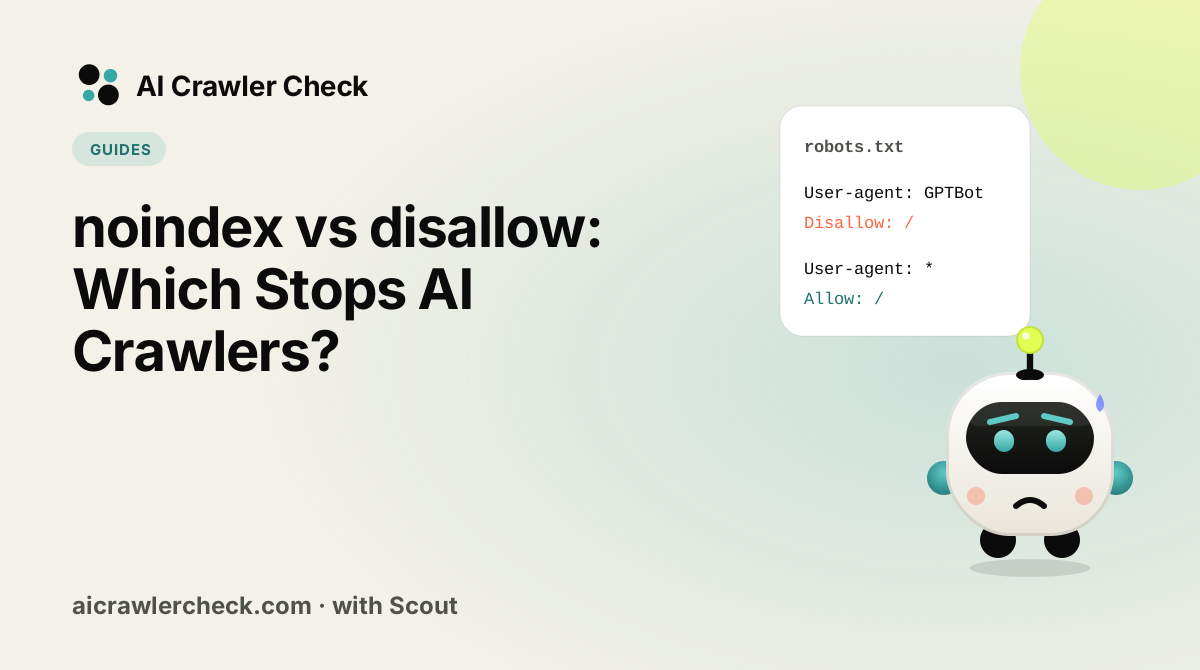
- Using Disallow instead of noindex. A disallowed page can still be indexed from links, without content. See noindex vs Disallow.
- Forgetting inheritance. A child property quietly follows a parent that someone else excluded.
- Forgetting the other engines. None of these switches affects ChatGPT, Claude or Perplexity. Those use their own tokens, such as
OAI-SearchBot,Claude-SearchBotandPerplexityBot.
How this changes GEO advice
Until August 2026, advice about Google AI visibility had to say "there is no opt-out short of leaving Search". That is no longer true, and it changes how you talk to clients. The choice to appear in AI Overviews and AI Mode is now explicit, reversible and measurable. A business that stays included is making a decision, not just accepting a default, and it can show the result in the generative AI report.
It also separates two conversations that used to be tangled. "Do we want Google's AI answers to cite us?" is a marketing question about visibility and clicks. "Do we want Google to train Gemini on our content?" is a rights and licensing question. Different people in a company usually own those answers, and now each answer has its own switch. Put both in your quarterly review, record who decided, and revisit them when Google changes the products each switch covers. Google says it expects the list of covered features to change over time, so a setting that was right in October may need another look next year.
A quick audit you can run today
- □In Search Console, open Settings, then Search generative AI, on the highest-level property you have. Note include, exclude or inherit.
- □Repeat for each child property you manage and note any overrides.
- □Fetch your robots.txt and check whether Google-Extended is allowed or disallowed, and whether Googlebot is allowed. Our robots.txt validator shows both.
- □Run AI Crawler Check on a key page to confirm Googlebot can actually reach it through your CDN and firewall.
- □Open the generative AI performance report and note last month's AI impressions.
- □Write the three decisions into your client notes so the next person does not undo them by accident.