The IETF is writing the first standard way to tell AI systems what they may do with your content. It adds one new line to robots.txt, Content-Usage, and one new HTTP header with the same name. The drafts are not finished, but the shape is now stable enough to plan for, and two details will surprise anyone who knows robots.txt well: usage rules only apply to pages a crawler may fetch, and when usage rules conflict, the strictest one wins.
This guide explains the IETF AIPREF working group drafts in plain English, shows working examples, and adds data no one else has: how many of the 10,000 most visited sites already use the new line, from our own scan on 17 October 2026.
Key Takeaways
- Two drafts, one idea. the vocabulary draft (draft-ietf-aipref-vocab-07) defines what you can say (today:
train-aiandsearch, eachyorn). the attachment draft (draft-ietf-aipref-attach-05) defines where you say it (robots.txt and an HTTP header). - Fetching and using are separate.
AllowandDisallowstill decide what a crawler may fetch.Content-Usagesays what it may do with what it fetched. - Strictest wins. If two usage statements disagree, the result is "disallowed". That is the opposite of Allow and Disallow, where a tie goes to the more permissive rule.
- Almost nobody uses it yet. Only 5 of 5,254 valid robots.txt files in the Tranco top 10,000 had a
Content-Usageline in our scan, compared with 164 that use Cloudflare's Content Signals. - It is a preference, not a lock. The vocabulary draft says plainly that it is not a security mechanism. Keep using crawler tokens and, where needed, edge rules.
What AIPREF is and why it exists
AIPREF is short for "AI preferences". The IETF working group was set up because robots.txt answers only one question: may this crawler fetch this URL? It has no way to say "you may fetch this page for search, but do not train a model on it". Site owners have been working around that gap by blocking training crawlers such as GPTBot, ClaudeBot and Google-Extended by name, which works only as long as every company runs a separate crawler for each purpose and publishes its token.
That workaround is fragile. Many crawlers do several jobs, new ones appear every month (see our new AI bots watchlist), and content also reaches AI systems through datasets, caches and third parties that never read your robots.txt at the moment of use. AIPREF tries to attach the preference to the content itself, in a vocabulary every AI company can read the same way.
The work is split into two documents on purpose. The vocabulary says what preferences exist. The attachment says how to deliver them over HTTP. That split lets the same vocabulary travel in other formats later, such as file metadata or a dataset licence.
The vocabulary: train-ai and search
Version 07 of the vocabulary defines two categories of use. The section is marked as not yet having working group consensus, so the names could still change, but these are the definitions on the table today.
| Label | Category | What it covers (summarised from the draft) |
|---|---|---|
train-ai | AI Model Training | Using an asset to change the learned parameters of an AI model that generates content such as text, images or audio. |
search | Search | Using an asset in an application whose main purpose is to pick assets and send users to where they live, with a direct link to the source. Excerpts may only help users judge relevance. Generating summaries is not included. |
The search definition is narrow on purpose. A classic results page with a title, a short snippet and a link fits. An AI answer that writes a summary of your page does not fit the search category, even if it shows a link. That is a real distinction for anyone working on generative engine optimisation: allowing search does not, on its own, say yes to AI-written answers built from your text.
Related: how AI engines choose their sources
One more detail matters for search engines that use AI internally. The draft says a search permission includes any processing inside the search application, including training models, as long as the models and their outputs are only used for search in the narrow sense above. So search=y, train-ai=n does not stop a search engine from using machine learning to rank you. It stops your content being used to train general-purpose generative models.
Three possible answers, not two
For each category, a crawler that reads your preferences ends up with one of three results: allow, disallow or unknown. If you say nothing about a category, the answer is unknown, and the draft deliberately takes no position on what a company should do with an unknown. In practice that means silence keeps today's behaviour, whatever each AI company already does.
The attachment: one robots.txt line, one header
the attachment draft (draft-ietf-aipref-attach-05), written by Gary Illyes of Google and Martin Thomson of Mozilla, gives you two places to state a preference. They use the same syntax.
In robots.txt
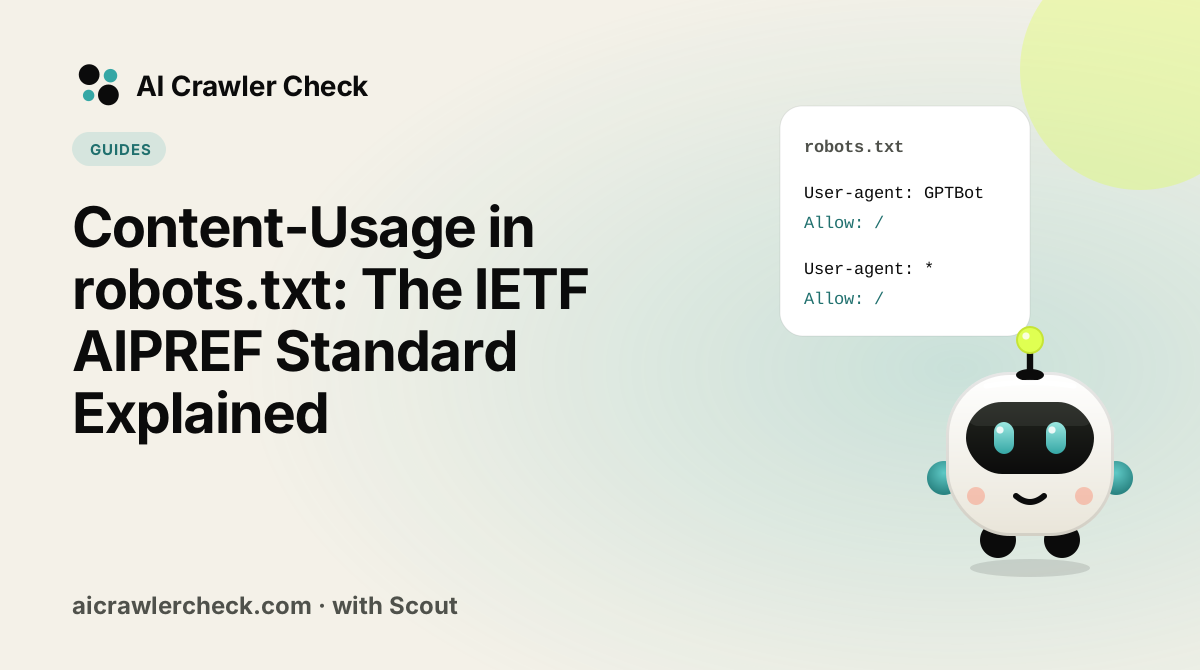
A Content-Usage rule sits inside a normal user-agent group, next to your Allow and Disallow lines. It can apply to the whole site or to a path.
User-Agent: *
Allow: /
Disallow: /never/
Content-Usage: train-ai=n
Content-Usage: /ai-ok/ train-ai=y

User-Agent: ExampleBot
Allow: /
Content-Usage: train-ai=y
Here is how a crawler reads that file, step by step.
- It picks its group exactly as RFC 9309 says. A crawler called ExampleBot uses the second group; every other crawler uses the first.
- It applies Allow and Disallow to decide what it may fetch. Everyone except ExampleBot must stay out of
/never/. - For pages it may fetch, it applies the Content-Usage rule with the longest matching path, using the same matching rules as Allow and Disallow. Pages under
/ai-ok/carrytrain-ai=y; everything else carriestrain-ai=n. - Pages it may not fetch get no usage preference at all. The draft says so directly: no preferences are implied for resources that are disallowed.
In an HTTP response header
HTTP/1.1 200 OK
Content-Type: text/html
Content-Usage: train-ai=n
The header travels with the page itself, which is useful when a page is copied, cached or fetched by a tool that never looks at robots.txt. It is a structured field dictionary, so the syntax is strict (more on that below). You can set it per page, per folder or site-wide in your server or CDN configuration.
The two rules that surprise people
1. Strictest wins, not most specific
In robots.txt, when an Allow and a Disallow match a URL equally well, the more permissive rule wins and the crawler may fetch. AIPREF flips that for usage. The vocabulary draft says that if any statement disallows a use, the result is disallowed; only if none disallow and at least one allows is the use allowed. The attachment draft calls out the contrast explicitly.
This matters when preferences come from several places. If your robots.txt says train-ai=y for a folder but the page's own header says train-ai=n, the answer is "no". Plan your rules so the header and the file agree, or use the header only for exceptions that are stricter than the file.
2. Disallowed pages carry no preference
It is tempting to write Disallow: / and Content-Usage: train-ai=n together "to be safe". The draft says usage preferences apply only to resources a crawler is allowed to fetch. If you block crawling, there is nothing left for the usage rule to attach to. That does not weaken your block; it just means the usage line adds nothing in that group. Where usage lines earn their keep is the far more common case: you want crawlers to fetch your pages for search, and you want to say something about what happens next.
Caching delay
The attachment draft notes that crawlers may cache robots.txt for up to 24 hours, so a change to your usage rules may not be visible straight away. It also points out that a change only reaches content the crawler fetches again after reading the new file. Content collected under your old rules keeps your old preference.
Syntax traps
The format is strict, because it reuses HTTP structured fields. Three mistakes break it quietly.
- Uppercase labels fail. The vocabulary draft says the format is case sensitive.
Train-AI=nis not read astrain-ai=n; if parsing fails, every preference becomes unknown. - Repeating a key keeps only the last value.
train-ai=y, train-ai=nmeanstrain-ai=n. The draft also shows that mixing value types (for examplesearch="n"in quotes) can make the whole statement unknown. - Spaces in paths must be encoded. Paths use the same percent-encoding as Allow and Disallow, so a space is
%20.
The good news is that robots.txt parsers ignore lines they do not understand, so adding a correct Content-Usage line cannot break Googlebot, Bingbot or any other crawler that has not adopted the draft. Run the file through our robots.txt validator afterwards anyway, to confirm your Allow and Disallow rules still treat each crawler the way you intend. Also check by eye that the new line sits inside a user-agent group: a line above the first User-agent belongs to no group, which is the most common way new directives get lost.
Who uses it today: our top-10k data
We fetched robots.txt from every domain in the Tranco top 10,000 on 17 October 2026 and parsed 5,254 valid files with an RFC 9309 parser. The numbers show a standard at the very start of its life.
| Signal | Files in the top 10k | Notes |
|---|---|---|
Content-Usage (AIPREF) | 5 | 3 of the values we could read say train-ai=n |
Content-Signal (Cloudflare) | 164 | Mostly added by Cloudflare's managed robots.txt |
| Both in the same file | 4 | Early adopters hedging across both formats |
| Any training crawler blocked by name | 1,049 | The method most sites rely on today |
In other words, sites that want to limit training still do it the old way, by naming crawler tokens. That is the right call for now. No major AI company has said publicly that its crawler reads Content-Usage yet, while every major one documents its tokens. our October robots.txt study has the full breakdown by crawler.
Three worked setups
Here is how the new line fits three common situations. Each one keeps search crawlers allowed, because blocking them removes you from AI search answers.
A publisher that wants citations but not training
User-agent: GPTBot
User-agent: ClaudeBot
User-agent: Google-Extended
Disallow: /

User-agent: *
Allow: /
Content-Usage: train-ai=n
The named group stops the three best-known training crawlers today. The usage line puts the same position on record for every other crawler that adopts AIPREF later. Search crawlers such as OAI-SearchBot and PerplexityBot fall into the star group and may fetch everything.
A software company that is happy to be trained on
User-agent: *
Allow: /
Disallow: /account/
Content-Usage: train-ai=y
Many SaaS teams want models to know their product well, so a future assistant gives correct answers about it. Saying yes explicitly turns an unknown into an allow, which is the only way to make that wish machine-readable.
A mixed site with one open folder
User-agent: *
Allow: /
Content-Usage: train-ai=n
Content-Usage: /research/ train-ai=y
The longer path wins, as with Allow and Disallow, so pages under /research/ say yes and everything else says no. Remember that a stricter header on any single page would still override the folder rule.
How AIPREF compares with what you already use
| Method | What it controls | Who reads it today | Strength |
|---|---|---|---|
Crawler tokens (User-agent: GPTBot) | Whether a named crawler may fetch | Every documented AI crawler | Works now; needs a token per crawler |
Content-Signal | search, ai-input, ai-train preferences | Cloudflare enforces through Verified bot status | Easy if you use Cloudflare |
Content-Usage (AIPREF) | train-ai and search preferences | No public adopters yet | Open standard, travels with the content |
| Edge or firewall rules | Whether a request is served at all | Every bot, including ones that ignore robots.txt | Enforced; easy to over-block |
These layers do not compete. A sensible 2026 setup names tokens for the crawlers you care about, adds one usage line so your position is on record in the coming standard, and uses edge rules only for abusive traffic. If you run Cloudflare, read Cloudflare's Search, Agent and Training defaults first, because a Training block there can catch multi-purpose search crawlers.
What to do now
- □Keep your crawler-token rules. They are what AI companies honour today. Our robots.txt generator writes them for you.
- □Decide your position on training separately from search, as explained in training bots vs search bots.
- □Optionally add
Content-Usage: train-ai=n(or=y) inside yourUser-agent: *group, in lowercase. - □If you also send the header, make sure it never contradicts the file in the permissive direction, because the strictest statement wins.
- □Do not pair a usage line with
Disallow: /and expect extra protection; disallowed pages carry no preference. - □Check the live result with AI Crawler Check and re-check after the drafts change. We will update this guide when a new version is published.