Since 15 September 2026, Cloudflare no longer treats "AI bots" as one switch. It sorts AI traffic into three jobs, Search, Agent and Training, and new domains now block Training and Agent by default on pages that show ads. One detail matters more than the rest: a crawler that does Search and Training is judged by its strictest job. If you block Training, Cloudflare says you can also block Googlebot, Applebot and Bingbot.
This guide explains the change from Cloudflare's announcement, shows what it means for your rankings and AI visibility, and adds something nobody else has: how the 10,000 most visited sites on the web were actually configured a month after the switch, from our own robots.txt scan.
Key Takeaways
- Three categories replace one toggle. Search builds an index and should send visitors. Agent acts for a person in real time. Training feeds a model.
- New defaults since 15 September 2026: for new Cloudflare domains, Training and Agent are blocked on pages with ads. Search stays allowed.
- The Googlebot trap: multi-purpose crawlers follow the strictest rule. A Training block can stop Googlebot, Applebot and Bingbot, and that can cost you search traffic.
- A new robots.txt signal:
Content-Signal: use=immediate|reference|fullsays how much of your content a bot may keep and reuse. Only 38 of 5,254 top-10k robots.txt files use it so far. - Most top sites already split their AI bots. 377 block GPTBot but allow OAI-SearchBot, and 529 block Google-Extended while allowing Googlebot. Cloudflare's model now matches what careful site owners were already doing.
What Cloudflare changed
Until July 2026, Cloudflare offered a single "Block AI bots" option aimed at crawlers that collect training data. On 1 July 2026 it announced a new model in Cloudflare's announcement and the Cloudflare changelog: instead of asking "is this AI?", it asks what a bot does on your site. Every bot can now be filed under one or more behaviours, and three of them are switchable by every customer, including the free plan.
| Category | What Cloudflare means | Typical tokens | New default (new domains, ad pages) |
|---|---|---|---|
| Search | Collects or indexes your content to answer questions later. Should send referral traffic back. | OAI-SearchBot, Claude-SearchBot, PerplexityBot | Allowed |
| Agent | Acts in real time for a person, usually with a human waiting. Includes chat fetchers and browser-use agents. | ChatGPT-User, Claude-User, Perplexity-User, Google-Agent | Blocked |
| Training | Takes content to train or fine-tune a model, so it is absorbed for good. | GPTBot, ClaudeBot, CCBot | Blocked |
Cloudflare tracks eight more behaviours that are not part of the default switch: Transact, Data Collection, Security Testing, SEO, Ads Verification, Social or Link Preview, Feed Fetching, and Monitoring. Enterprise customers can see every bot's labels in a new database Cloudflare calls BotBase.
The reasoning, in Cloudflare's words, is that an ad "is a signal that a website owner meant for a person to land there and see it". On those pages Cloudflare keeps away the bots that may take the person's place (Training and Agent) and lets through the one behaviour that "most naturally funnels back visitors" (Search).
Who gets the new defaults
The new defaults apply to new domains onboarding to Cloudflare from 15 September 2026, and only on pages that display ads. Existing customers keep their settings, but the stricter multi-purpose rule below applies to anyone who already blocks Training, including through the older "Block AI bots" option. Check your zone's Security settings rather than assuming you are unaffected. Cloudflare's AI traffic settings docs shows where the switches live.
The Googlebot trap: why a Training block can hurt SEO
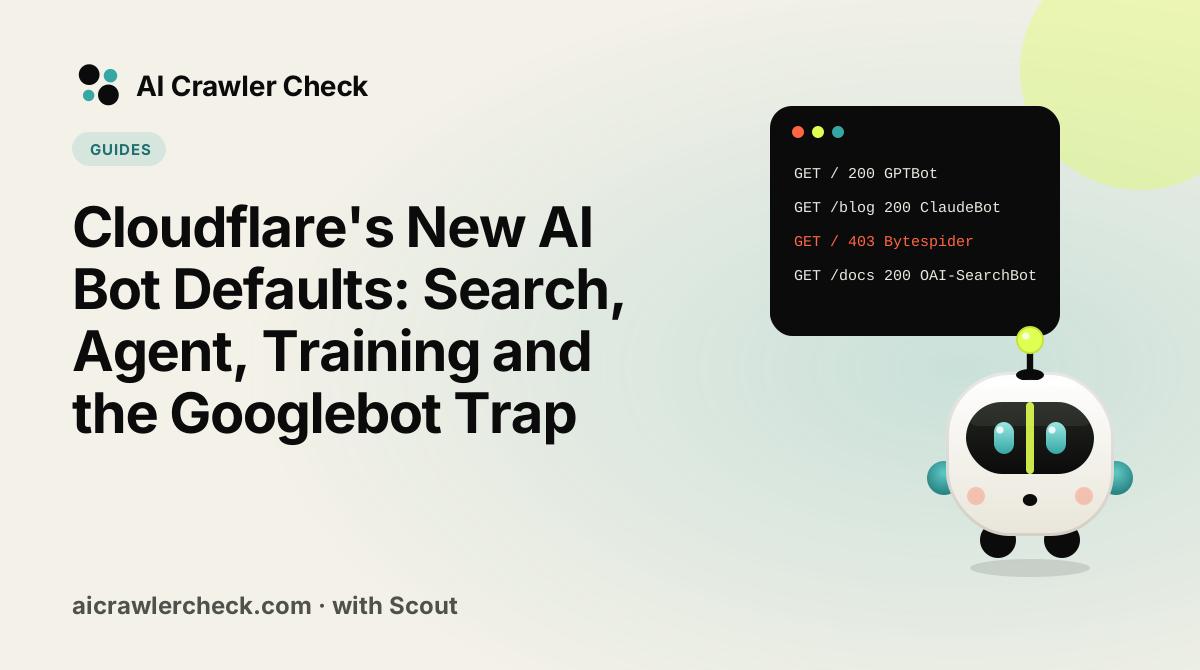
This is the change that catches people out. Some crawlers do more than one job. Cloudflare's announcement says multi-purpose crawlers "will be allowed/blocked according to all of their behaviors", that defaults are "enforced by the most restrictive applicable rules", and names three examples: "multi-purpose crawlers such as Googlebot, Applebot, and BingBot will be blocked by customers who have selected to block Training".
So if your Cloudflare zone blocks Training, the same setting can now stop the crawlers that put you in Google, Apple and Bing search. That is a far bigger cost than losing an AI model's attention. A robots.txt file cannot fix it, because the block happens at Cloudflare's edge before your robots.txt is ever read.
Check this first
If you use Cloudflare and you have ever switched on "Block AI bots" or the new Training block, open Security settings now and confirm how multi-purpose crawlers are treated. Cloudflare lets you mark that you want no change for Training crawlers that also crawl for Search. Then run AI Crawler Check on your homepage: if Googlebot or Bingbot shows as blocked while your robots.txt allows it, an edge rule is the likely cause.
The cleaner way to refuse training
The big search companies already give you a training opt-out that does not touch search. They are robots.txt control tokens, not crawlers:
Google-Extendedtells Google not to use your content for Gemini training and grounding. It has no effect on Google Search. (Our guide: Google-Extended vs Googlebot.)Applebot-Extendedtells Apple not to use content thatApplebotcollected to train its models.Applebotstill indexes you for Siri and Spotlight.GPTBotandClaudeBotare training-only crawlers, separate fromOAI-SearchBotandClaude-SearchBot, so blocking them leaves ChatGPT and Claude search alone.
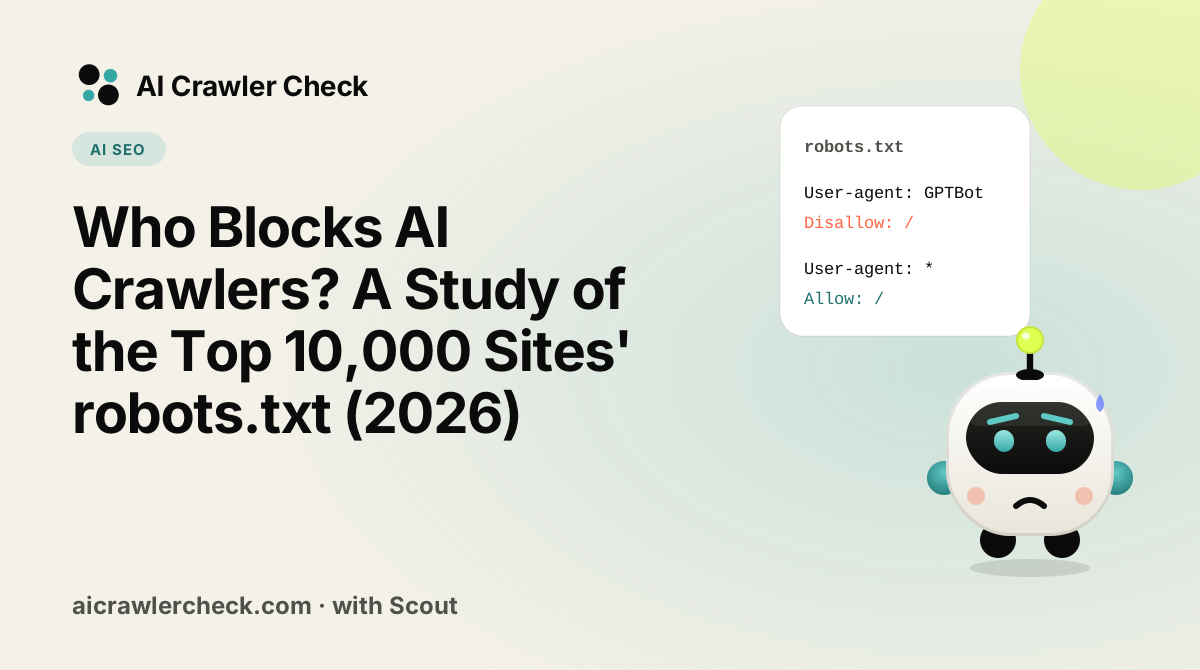
# Training only: these do not affect search rankings
User-agent: GPTBot
User-agent: ClaudeBot
User-agent: Google-Extended
User-agent: Applebot-Extended
User-agent: CCBot
Disallow: /

# Search and AI search stay open
User-agent: *
Allow: /
If you rely on robots.txt for training choices, keep Cloudflare's Training switch off for multi-purpose crawlers, or you may block search twice over. Build and test the file with our robots.txt generator and robots.txt validator.
What the top 10,000 sites actually do
To see how the web looked a month after the switch, we fetched /robots.txt from every domain in the Tranco top 10,000 on 17 October 2026. 5,254 returned a valid file. We applied the RFC 9309 matching rules (most specific user-agent group wins, longest path match wins) and asked whether each bot was fully blocked from the homepage. The full method is on our methodology page, and the wider results are in our October robots.txt study.
| What we measured | Sites | Share of valid files |
|---|---|---|
| Fully block at least one major Training token (GPTBot, ClaudeBot, CCBot, Google-Extended, Applebot-Extended, Meta-ExternalAgent, Bytespider) | 1,047 | 19.9% |
| Fully block at least one AI Search crawler (OAI-SearchBot, Claude-SearchBot, PerplexityBot) | 600 | 11.4% |
| Fully block at least one Agent fetcher (ChatGPT-User, Claude-User, Perplexity-User) | 581 | 11.1% |
| Block GPTBot but allow OAI-SearchBot (training no, AI search yes) | 377 | 7.2% |
| Block ClaudeBot but allow Claude-SearchBot | 344 | 6.5% |
| Block Google-Extended but allow Googlebot | 529 | 10.1% |
| Block Googlebot from the homepage | 143 | 2.7% |
Publish a Content-Signal line | 164 | 3.1% |
Include the new use= field | 38 | 0.7% |
Three things stand out.
- Training blocks are common, search blocks are rarer. 1,047 sites refuse at least one training crawler, while 600 refuse an AI search crawler. Many of those search blocks come from a blanket
User-agent: *rule rather than a deliberate choice. - The split is already the norm among careful sites. Of the 789 sites that block GPTBot, 377 still let OAI-SearchBot in. And 529 of the 666 sites that block Google-Extended keep Googlebot open. That is exactly the separation Cloudflare is now asking bot operators to make.
- The new signal is brand new. 164 files carry a Content-Signal line, 103 of them say
ai-train=no, and 38 already includeuse=reference, the value Cloudflare adds to its managed robots.txt.
What our data cannot see
A robots.txt file shows what a site asks. It cannot show Cloudflare edge rules, firewall blocks or bot-management settings, which is where the new defaults live. A site can allow Googlebot in robots.txt and still block it at the edge. That is why we test both: AI Crawler Check reads the file, and our AI crawler diagnostic checks whether a crawler request actually gets through.
The new content-use signal: use=immediate, reference, full
Content Signals is a Cloudflare-backed robots.txt extension. Its first version had three fields: search, ai-input and ai-train. Cloudflare is now testing a fourth, optional field, use, that says how much a bot may keep and reshare after it reads your page.
| Value | Meaning (Cloudflare's wording) | Good fit for |
|---|---|---|
use=immediate | Interact, but store and reuse nothing | Account pages, live prices, anything that must not be cached in an AI answer |
use=reference | Index, excerpt and link back (the default) | Most publishers and businesses that want citations and clicks |
use=full | Summarise and reproduce | Open documentation, public-domain or freely licensed content |
User-agent: *
Content-Signal: search=yes,ai-train=no,use=reference
Allow: /
Two cautions. First, like everything in robots.txt, these values express a preference; they are not a block. Second, no AI company has said publicly that its crawler reads use= yet. What gives it weight is Cloudflare's enforcement: the company says it is tracking content use for every bot it lists, and a bot caught abusing the signals "will lose the Verified status", and that "bots that reproduce in full cannot have the Verified status".
If you already use Cloudflare's managed robots.txt, Cloudflare says it now adds use=reference for you. If you write your own file, adding the line costs nothing and states your position clearly.
Verified no longer means allowed
A quieter change in the same announcement: Cloudflare used to let every Verified bot through by default. Now "the Verified label makes a bot allowable with its relevant category". In plain terms, a Verified training crawler is still blocked if you block Training. Verification proves who a bot is. Your category settings decide whether it gets in.
Cloudflare is also proposing a way to carry trust through middlemen, using the standard Forwarded header from RFC 7239. A request made by a platform on behalf of, say, OpenAI could say Forwarded: for="openai";use="reference". If this catches on, "allow this operator" would keep working even when the request arrives through other companies' infrastructure.
What it means for AI visibility (GEO)
If your goal is to be cited by ChatGPT, Claude, Perplexity or Google's AI features, the three categories map neatly onto how you get there.
- Search is where citations come from.
OAI-SearchBot,Claude-SearchBotandPerplexityBotbuild the indexes that AI answers quote and link. Blocking them removes you from those answers, so most brands should keep Search open everywhere, including on ad pages. - Agent is a customer at the door. When
ChatGPT-UserorClaude-Userfetches your page, a person has asked about you right now. Cloudflare's default blocks Agent on ad pages. For a publisher that may be right; for a shop, a SaaS product or a local business it usually is not, because the agent is often one step away from a booking or a sale. - Training is a long game. Allowing training crawlers can help a model "know" your brand in future versions, but it sends no clicks today. Blocking it has no effect on Search rankings as long as you use the training-only tokens.
The practical risk for most sites is not the Training choice. It is an edge setting that quietly blocks Agent or multi-purpose Search crawlers on the pages that earn money. If your AI referral traffic dropped after mid-September, look at Cloudflare first, then at robots.txt.
A sensible default for most businesses
| Category | Content pages | Ad-supported pages | Account, checkout, admin |
|---|---|---|---|
| Search | Allow | Allow | Block (no index value) |
| Agent | Allow | Your call: allow if agents can convert | Allow with verified identity and rate limits |
| Training | Your call | Your call | Block |
Write the robots.txt part with our robots.txt generator, then confirm the live result with AI Crawler Check, which tests every one of our tracked bots against your real file.
Other crawler news this month
- OpenAI moved its crawler documentation. The page that lists
GPTBot,OAI-SearchBot, OAI-AdsBot andChatGPT-Usernow lives on OpenAI's crawler page (developers.openai.com). The old platform.openai.com address redirects there. The tokens and IP files are unchanged. Every OpenAI profile in our directory now links the new page. - Anthropic publishes crawler IP ranges. Anthropic's crawler article links a machine-readable list at claude.com/crawling/bots.json, so you can verify that a request claiming to be
ClaudeBot,Claude-SearchBotorClaude-Userreally comes from Anthropic. Anthropic still says opt-out should happen in robots.txt, because blocking its IPs can stop it reading your robots.txt at all. - Our bot evidence is now our own. Bots that no operator documents used to cite third-party lists. Each one is now backed by an independent primary registry or by how many top-10k sites write a rule for it. See the methodology page.
What to do now
Here is a short plan that works whether or not you use Cloudflare.
- □Decide your position for each job separately: Search (usually allow), Agent (usually allow, it is a customer working for you), Training (your call).
- □Express training choices with training-only tokens (
GPTBot,ClaudeBot,Google-Extended,Applebot-Extended,CCBot) instead of broad blocks. - □If you are on Cloudflare, open Security settings and confirm that a Training block does not also block multi-purpose search crawlers.
- □Run AI Crawler Check on your homepage and a key landing page. Confirm
Googlebot,BingbotandApplebotare allowed. - □Optionally add
Content-Signal: search=yes,ai-train=no,use=reference(or your own values) to theUser-agent: *group. - □Use our AI crawler diagnostic to catch edge or firewall blocks that robots.txt cannot show.
- □Re-check after any CDN or security change, and read our explainer on training bots vs search bots if you need to brief a team.