In this guide you will learn how to protect AI visibility during a migration. We will keep it practical, with clear steps, visual breakdowns, and specific actions you can take today. The first step in any AI visibility project is to run an AI crawlability checker on your website so you know exactly where you stand against the 265 bots we track across 8 categories.
Key Takeaways
- Migrate Your Site Without Losing AI Visibility is a practical, repeatable process, not a one-time fix.
- Most AI visibility problems trace back to access, not content.
- You can verify every change with the live AI crawler test and the robots txt check.
- Document your approach so the whole team applies it consistently.
Is my site being crawled by AI engines at all?
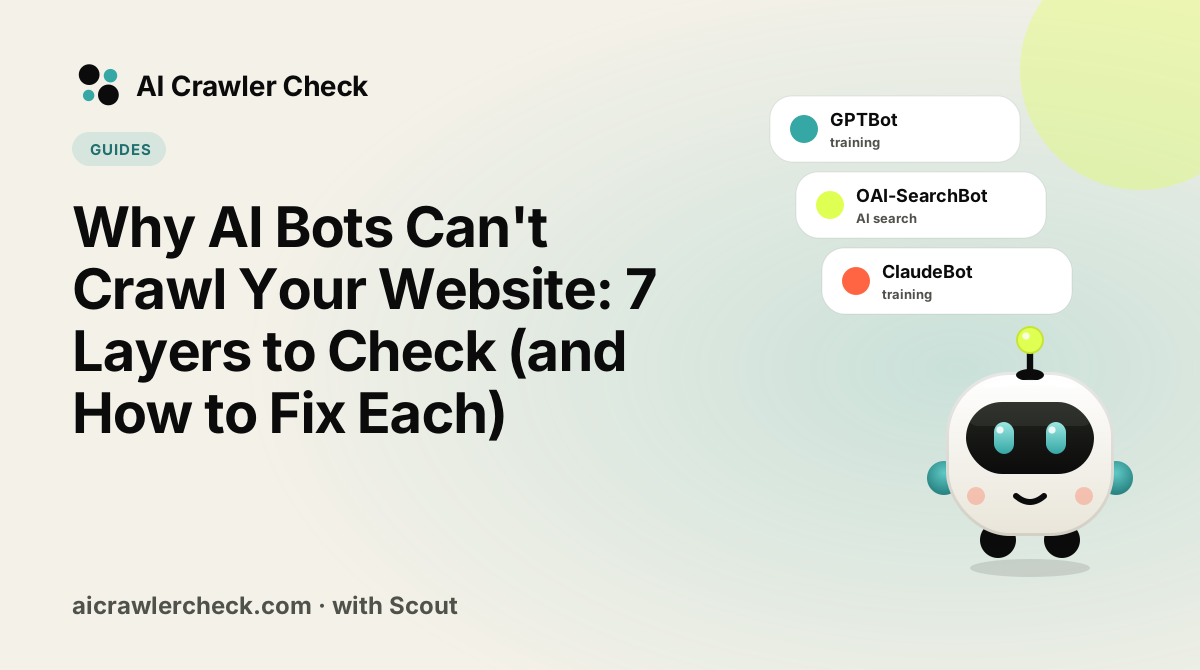
Your site is being crawled by AI engines if your server logs show requests from tokens such as GPTBot, OAI-SearchBot, ClaudeBot or PerplexityBot. Check the logs before and after a migration: if those requests stop, or start returning 3xx or 4xx, the migration broke AI access. The free AI crawler diagnostic confirms whether each bot can still reach the new URLs.
A Diagnostic Order That Narrows Fast
Reproduce the failure as the bot experiences it
Request the old and new versions of your top pages with the exact user agent that is failing and save the status code, headers and body you receive.
Separate a status-code problem from a content problem
A 403 or 5xx on the old and new versions of your top pages is an access problem; a 200 with empty or thin text is a content problem, and each needs a different fix.
Check the layers in front of your application
Look at the CDN, firewall and bot-management settings in front of the old and new versions of your top pages; a clean robots.txt means nothing if one of them refuses the bot first.
Rule robots.txt in or out explicitly
Decide whether robots.txt is the right tool for a site in the middle of a migration at all, or whether a header, a login or a firewall rule fits the old and new versions of your top pages better.
Fix one layer, retest, then move outward
Change one thing at a time for a site in the middle of a migration, starting at the application, then the CDN, then the firewall, and retest the old and new versions of your top pages after each change.
The Part of Site Migration That Trips People Up
Migrations are planned around what users and search engines need, and AI crawler access is usually not on the checklist. The result is a launch that passes every test, ranks acceptably in search, and quietly stops appearing in AI answers, because a robots.txt default or a new security layer arrived with the new platform.
The recovery is also slower than in search. There is no console reporting that an AI crawler is being refused, so the loss is discovered through absence rather than through an alert, often a quarter later when someone asks why citations stopped.
Four Site Migration Rules Worth Knowing
Record the pre-migration state while you still have it
Capture the live robots.txt, a list of which crawlers can currently reach the site, and the URLs that matter most. After launch this baseline is the only way to tell what changed, and it cannot be reconstructed. Skipping this step is what turns a five minute diagnosis into a speculative investigation.
Assume the new platform ships restrictive defaults
Hosting platforms, CDNs and CMS installs all provide their own robots.txt and their own bot-management settings, and the defaults are frequently more restrictive than what you had. A staging Disallow: / carried into production is the most damaging version. Check the served file on the new platform before pointing the domain at it.
Map every old URL to a single destination, not a chain
Build the redirect map so each retired URL points directly at its final target with a 301. Chains formed during migration are the main way authority is lost, and they are much easier to prevent now than to unpick later when nobody remembers the intermediate steps.
Verify externally on launch day and again a week later
Fetch robots.txt from the live domain, request key pages with a crawler user agent from an external network, and confirm the raw HTML contains your content. Repeat after a week, because CDN configuration and platform defaults frequently settle into place after the initial cutover.
The Site Migration Mistake That Costs Most
Treating a successful launch as a successful migration
The site loads, the redirects resolve in a browser, search traffic holds, and the project closes. Nothing in that checklist looks at whether AI crawlers can still reach the content, so a new default or a new security layer goes undetected. The loss appears months later as an unexplained decline in citations, long after the change that caused it.
How to Confirm Site Migration Behaves the Way You Think
The check that matters here: On launch day, fetch the live robots.txt and request three key pages with a crawler user agent from outside your network. Compare against the baseline you captured beforehand; any difference is either intended or a bug.
Run a site crawl test on staging and again the day you launch. The classic migration failure, a staging Disallow: / or noindex that ships to production, shows up as a failed robots.txt or indexability check.
Where to Go From Here
Site Migration is one piece of a larger picture. The AI crawler directory documents every crawler we track with its operator, purpose and safety rating, and the batch URL checker audits many sites in one pass if you manage a portfolio.
Your Site Migration Action Checklist
Applied to Migrate Your Site Without Losing AI Visibility, it looks like this:
- □Reproduce the failure with a request that sets the bot user-agent, not your browser default.
- □Work through the layers in order: DNS, firewall, HTTP status, robots.txt, then rendering.
- □Compare the raw HTML response against what you see on screen, because many bots never run JavaScript.
- □Record which layer returned the block before changing anything, so the fix is targeted.
- □Re-test the exact same request after the fix to confirm the status actually changed.